1
4-112 Motorola RF Switch System Reference Guide
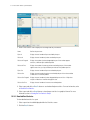
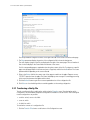
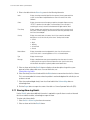
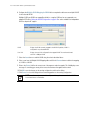
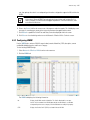
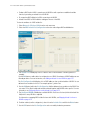
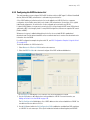
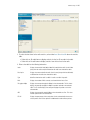
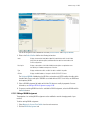
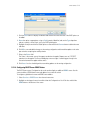
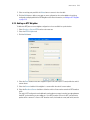
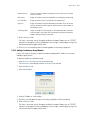
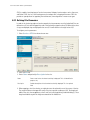
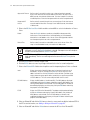
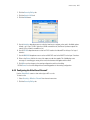
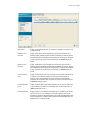
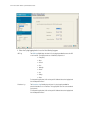
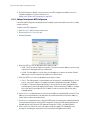
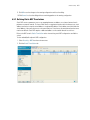
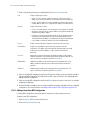
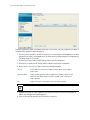
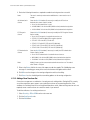
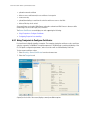
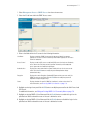
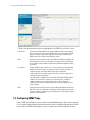
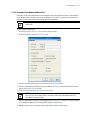
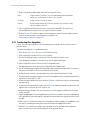
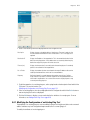
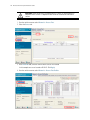
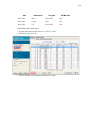
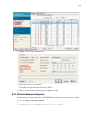
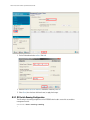
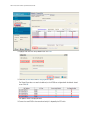
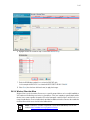
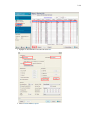
4. Select a radio and click the Edit button to modify its properties. For more information, see Editing WMM
Settings on page 4-112.
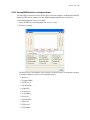
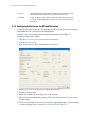
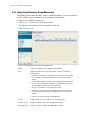
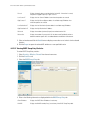
4.7.4.1 Editing WMM Settings
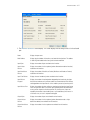
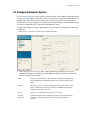
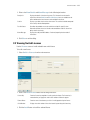
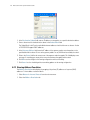
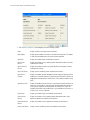
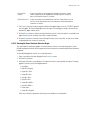
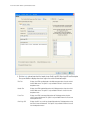
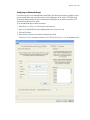
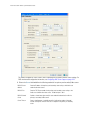
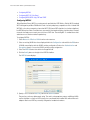
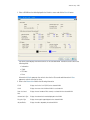
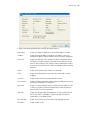
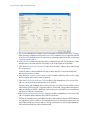
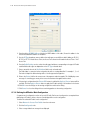
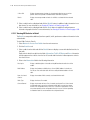
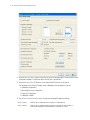
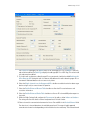
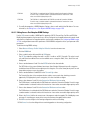
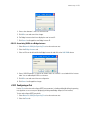
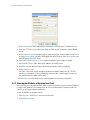
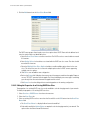
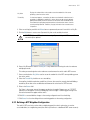
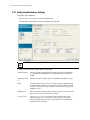
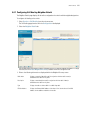
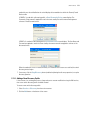
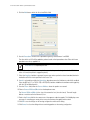
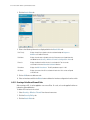
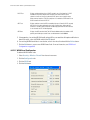
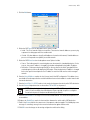
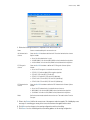
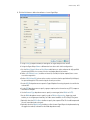
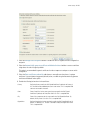
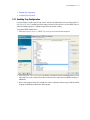
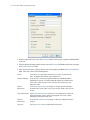
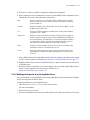
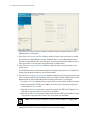
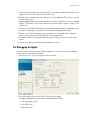
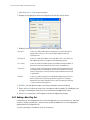
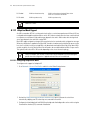
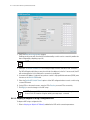
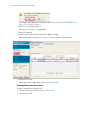
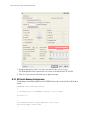
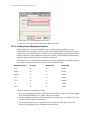
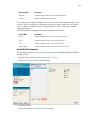
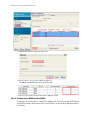
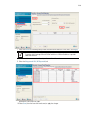
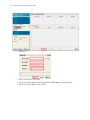
Use the Edit screen to modify a WMM profile's properties (AIFSN, Tx Op, Cw Min and CW Max). Modifying
these properties may be necessary as Access Categories are changed and transmit intervals need to be
adjusted to compensate for larger data packets and contention windows. Use Configuring WMM on page 4110 to configure downstream traffic parameters. WLAN WMM configuration affects your upstream traffic
parameters.
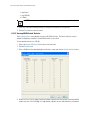
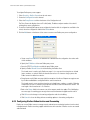
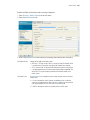
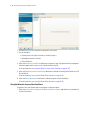
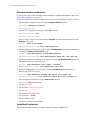
To edit existing WMM Settings:
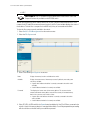
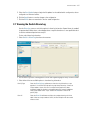
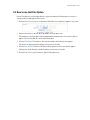
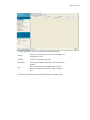
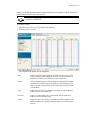
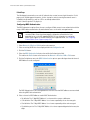
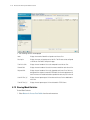
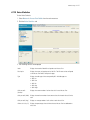
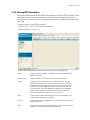
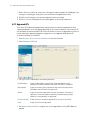
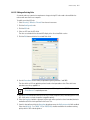
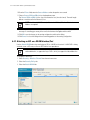
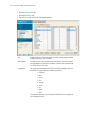
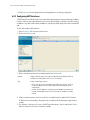
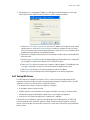
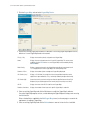
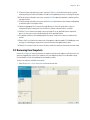
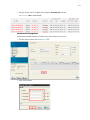
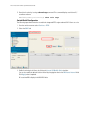
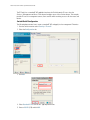
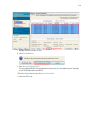
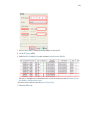
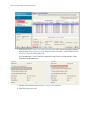
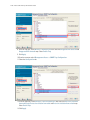
1. Select Network > Access Port Radios from the main menu tree.
2. Click the WMM tab.
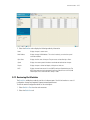
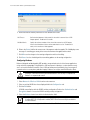
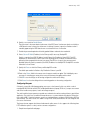
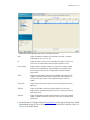
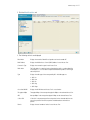
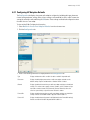
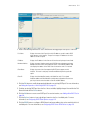
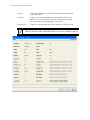
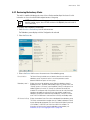
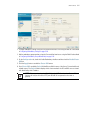
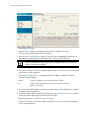
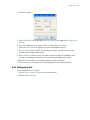
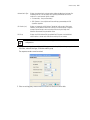
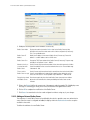
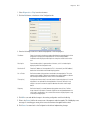
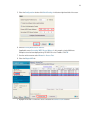
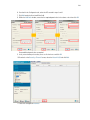
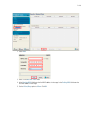
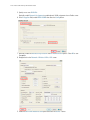
3. Select a radio from the table and click the Edit button to launch a screen displaying the WMM
configuration for that radio.
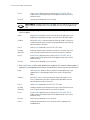
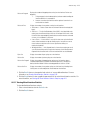
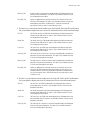
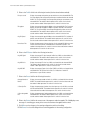
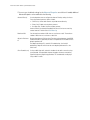
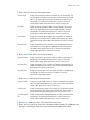
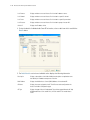
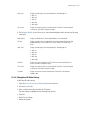
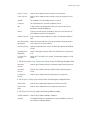
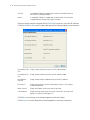
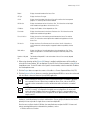
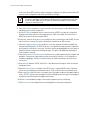
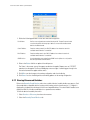
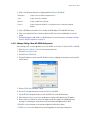
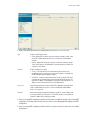
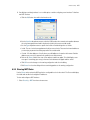
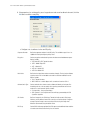
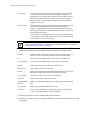
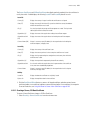
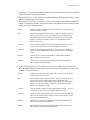
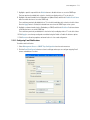
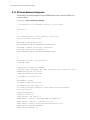
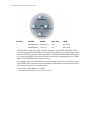
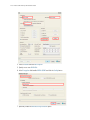
4. Enter a number between 0 and 15 for the AIFSN value for the selected radio.
The AIFSN value is the current Arbitrary Inter-frame Space Number. Higher-priority traffic categories
should have lower AIFSNs than lower-priority traffic categories. This will causes lower-priority traffic to
wait longer before trying to access the medium.
5. Enter a number between 0 and 65535 for the Transmit Ops value.
The Transmit Ops value is the maximum duration a device can transmit after obtaining a transmit
opportunity. For higher-priority traffic categories, this value should be set higher.
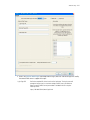
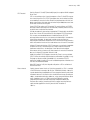
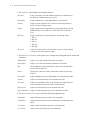
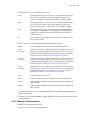
6. Enter a value between 0 and 15 for the Extended Contention Window minimum (ECW Min) value.
The ECW Min is combined with the ECW Max to make the Contention Window. From this range, a
random number is selected for the back off mechanism. Lower values are used for higher priority (video
or voice) traffic.