1
4.
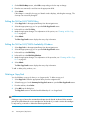
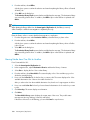
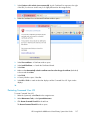
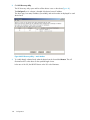
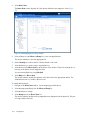
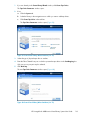
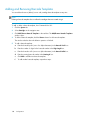
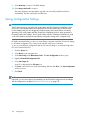
Select the VLS from the list of devices and click Configure.
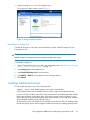
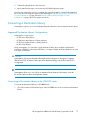
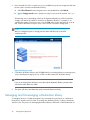
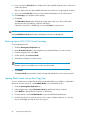
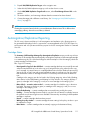
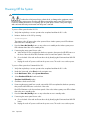
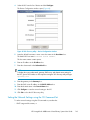
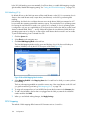
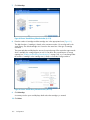
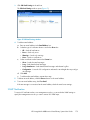
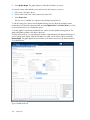
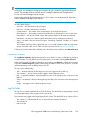
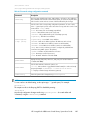
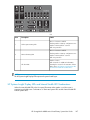
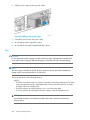
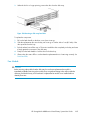
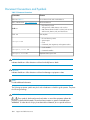
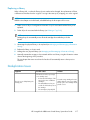
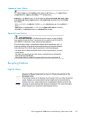
The Device Configuration window opens (Figure 49).
Figure 49 VLS discovery utility – Device Configuration window
.
5.
Leave the default host name or enter a new host name in the Host Name box.
The default VLS host name is VLS<VLS serial number>.
The host name cannot contain spaces.
6.
Enter an IP address in the IP Address box.
7.
Enter the subnet mask in the Subnet Mask box.
NOTE:
To display the correct subnet mask, gateway, DNS server, and domain name settings for
the VLS, open a DOS window on the computer running the VLS discovery utility and type
ipconfig /all
8.
Enter the gateway in the Gateway box.
9.
Enter the DNS server IP address in the DNS IP Address box.
10. Enter the domain name in the Domain Name box.
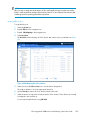
11. Click Configure to save the network settings to the VLS.
12. Click Exit to close the VLS discovery utility.
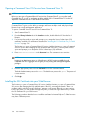
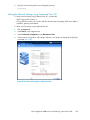
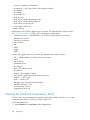
Setting the Network Settings using the CLI Command Set
To set the network settings using the CLI command set, set either the:
• DHCP usage and host name, or
HP StorageWorks 6000–series Virtual Library System User Guide
143