1
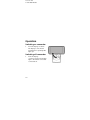
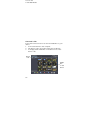
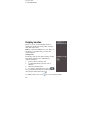
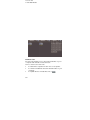
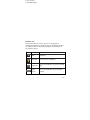
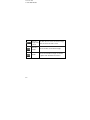
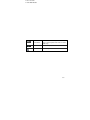
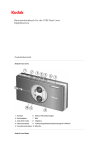
18 x 16 mm 14.10.2009 08:05 Viewing recorded videos and photos To view video recordings, select video mode. To view photos, select photo mode. Press the playback button photo files. to view the stored video or Browse through the recorded files by pressing the arrow buttons and select the file you wish to view. Press the arrow button to change from the file list to video/photo view. Press the arrow button to go back to the file list. Video playback Starting/terminating playback and adjusting volume To start a video playback, call up the video/photo file list and press the record button. To terminate the playback, press the record button again. 32