1
4
Colortrac SmartLF Installation and Operating Manual
3. UNPACKING SMARTLF FROM ITS BOX
SmartLF ships in a single double-skinned box (35kgs). It is advisable to prepare a strong desk surface or similar area
capable of taking the weight of the scanner (26.5kg). You will need an assistant to lift the scanner from its carton.
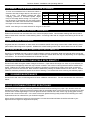
PARTS LIST
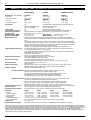
Quick start guide A3 sheet .................................................................1
Power cable (specified for country) ....................................................1
USB2 scanner data cable (2m) ..........................................................1
Software installation CD (includes this manual in pdf format)..............1
Document Support Tray ....................................................................3
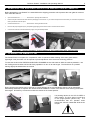
LIFTING THE SCANNER FROM ITS CARTON
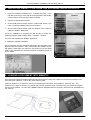
1. Make sure the scanner box is resting on the floor the correct way up (look at the name on the side).
2. With the help of an assistant remove the lid from the larger box and then take out the three foam spacers that
protect the inner box. The inner box contains the scanner.
3. Remove the lid from the smaller box and pull back the plastic wrapping to expose the top of the scanner.
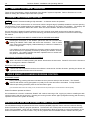
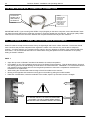
WARNING: DO NOT TRY TO REMOVE THE SCANNER WHILE STILL INSIDE ITS PLASTIC WRAPPING AS
THIS WILL MAKE IT MORE DANGEROUS TO HANDLE.
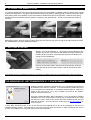
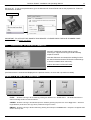
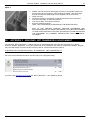
4. With two people, lift an end of the scanner each and begin to remove it from its packing carton. Observing correct
lifting technique (i.e. bend knees and straight back) lift the scanner and position it carefully onto the working area
or the optional floor stand. The choice of position for SmartLF should allow proper air circulation around the device
in accordance with normal office equipment practice.
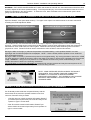
5. The electricity supply should be taken from a switched output and be located within easy reach of the scanner
operator.
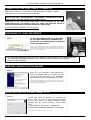
6. The computer used with SmartLF should be located so as not to strain the USB cable or present a cable tripping
hazard to the operator or others.
PAS144
P/N: P002038 Colortrac Ltd © 2004