1
GSM/EDGE Programming Commands
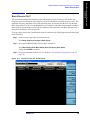
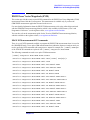
GSM Loopback BER
GSM Loopback BER
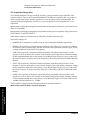
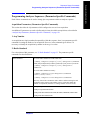
This section provides the remote control SCPI commands for the GSM Loopback BER measurement
from within the List Sequencer. This measurement is available only if you have the GSM/EDGE
measurement application licensed on the test set.
GSM/EDGE Programming Commands
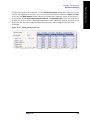
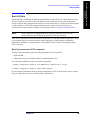
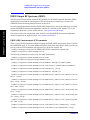
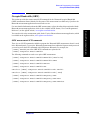
The GSM Loopback BER measurement is based on the GMSK Phase and Frequency (PFER)
measurement, and uses remote commands associated with that measurement.
For more detailed information about the GMSK Phase and Frequency measurement, refer to the online
help associated with the GSM/EDGE measurement application, which is also available in PDF format
(“User’s and Programmer’s Reference”) on the Agilent website, www.agilent.com/find/e6640a.
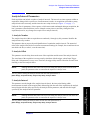
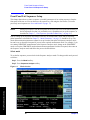
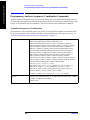
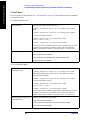
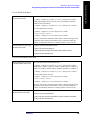
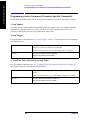
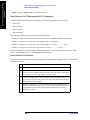
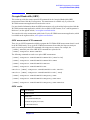
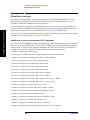
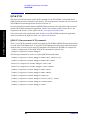
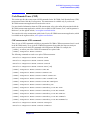
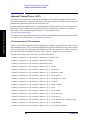
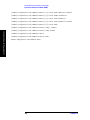
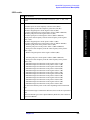
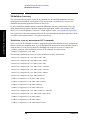
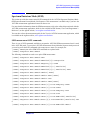
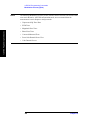
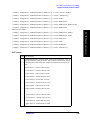
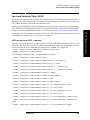
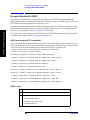
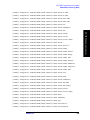
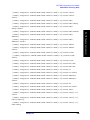
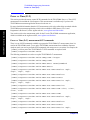
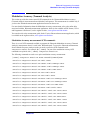
Loopback BER measurement SCPI commands
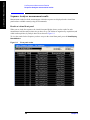
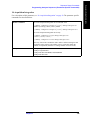
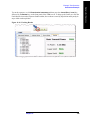
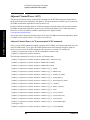
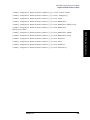
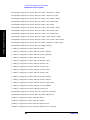
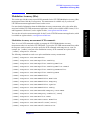
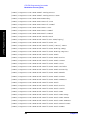
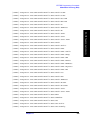
The following commands are used to set up the Loopback BER measurement from within the sequence
analyzer mode.
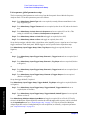
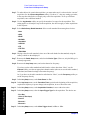
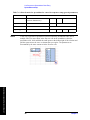
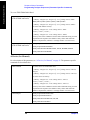
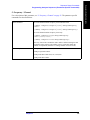
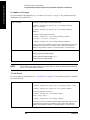
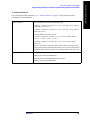
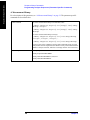
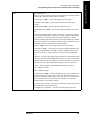
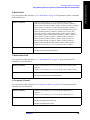
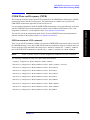
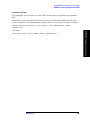
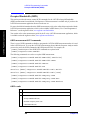
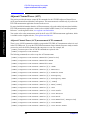
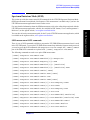
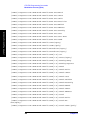
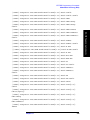
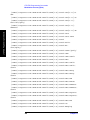
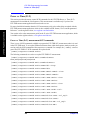
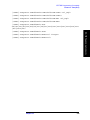
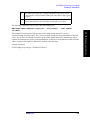
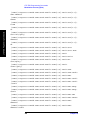
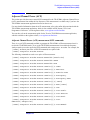
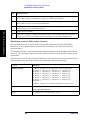
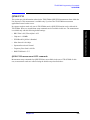
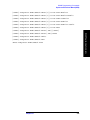
[:SENSe]:LSEQuencer:EDGE:PFERror:BSYNc:SOURce
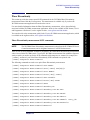
NOTE
“EDGE” (and not “GSM”) is used to designate the GSM/EDGE mode in commands
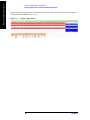
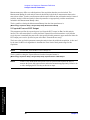
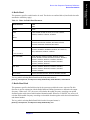
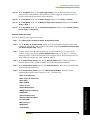
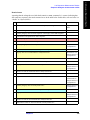
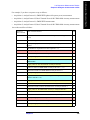
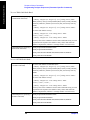
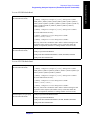
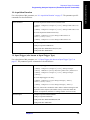
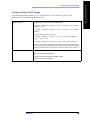
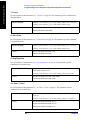
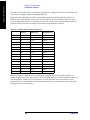
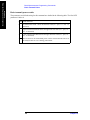
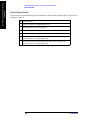
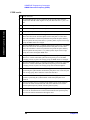
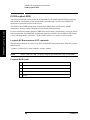
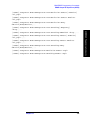
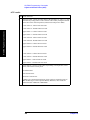
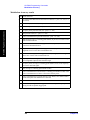
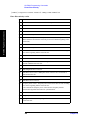
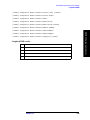
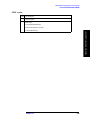
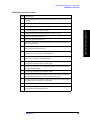
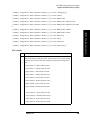
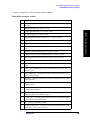
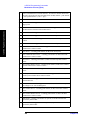
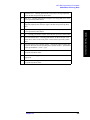
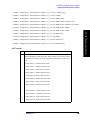
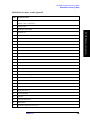
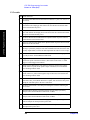
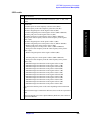
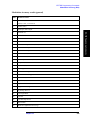
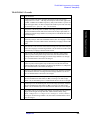
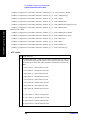
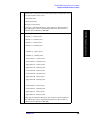
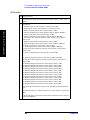
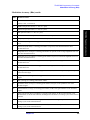
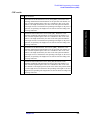
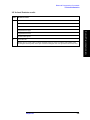
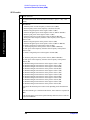
Loopback BER results
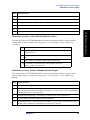
Index Result Parameter
0
Loopback bit error ratio.
1
Total tested bit number.
2
Failed bit number.
3
Reserve.
186
Chapter 13