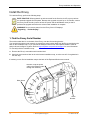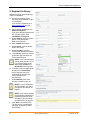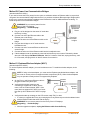
1
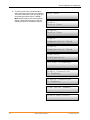
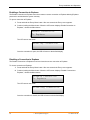
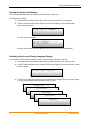
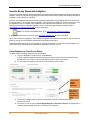
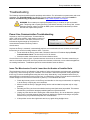
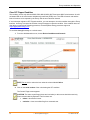
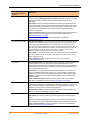
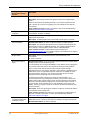
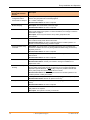
Envoy Installation and Operation 3. To select a menu item, release the Menu button when the desired menu item appears. The menu continues to cycle as long as you are pressing the Menu button. The Exit Menu option returns to the normal (default) display, usually the Home screen. See the following sections for detailed procedures. Exit Menu Enable Device Scan Disable Device Scan Enable Communication Check Disable Communication Check View Grid Configuration Get New IP Address Enable Connection To Enphase Disable Connection To Enphase View Serial Number Select New Locale 21 2014 Enphase Energy Inc. 141-00011 Rev 05