1
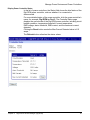
Configure a Serial-Connected Slave: Generic Procedure
Configure a Serial-Connected Slave: Generic Procedure
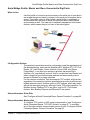
When to Use
Use this procedure when a protocol slave is connected to the serial port of
the device server. Use it except when the associated master requires COM
port redirection. (See "Set Up COM Port Redirection" on page 69 for
information.)
Procedure
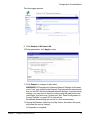
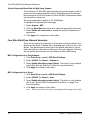
1. Access the web interface by entering the device server IP address in a
browser’s URL window.
2. Log in to the device server as root. The default password is dbps.
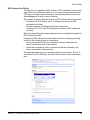
3. From the main menu, choose Setup Wizards > Industrial Protocols.
4. Choose the serial port protocol required by the slave that is connected
to the serial port.
5. Choose Slave as the device type.
Any number of network masters can communicate with the slave.
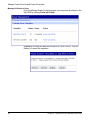
Configure a Serial-Connected Master: Generic Procedure
When to Use
Use this procedure when a protocol master is connected to the serial port
of the device server. Use it except when the master requires TCP socket or
UDP socket communication. (See "Configure a Serial-Connected Master:
TCP/UDP Sockets" on page 67 for information.)
Procedure
1. Access the web interface by entering the device server IP address in a
browser’s URL window.
2. Log in to the device server as root. The default password is dbps.
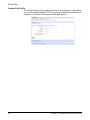
3. From the main menu, choose Setup Wizards > Industrial Protocols.
4. Choose the serial port protocol required by the master.
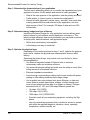
5. Choose Master as the Mode.
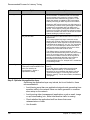
6. Configure up to 8 network slaves.
66
Chapter 4 Configure Industrial Automation (IA)