1
OMNIScanner User Guide
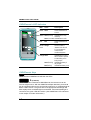
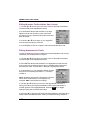
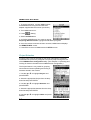
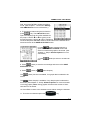
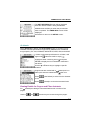
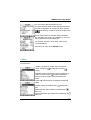
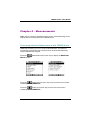
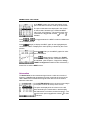
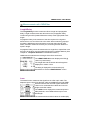
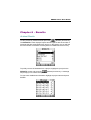
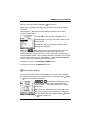
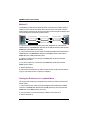
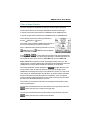
The Length results screen has a
(Detail) function key that allows
you to view detailed test results for each pair.
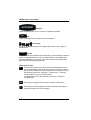
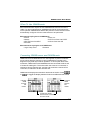
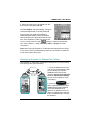
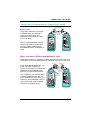
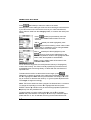
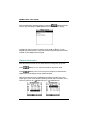
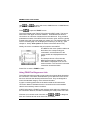
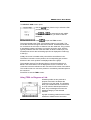
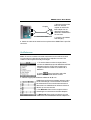
Tests that require the use of OMNIRemote will have small icons in the
upper right corner of the titlebar to indicate whether the information is
pertinent for
OMNIScanner or
OMNIRemote.
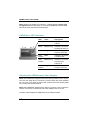
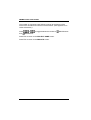
To toggle between the two screens press
to open the screen that contains the information
for OMNIScanner.
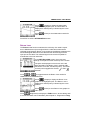
Press
to display the information for
OMNIRemote.
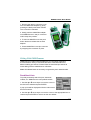
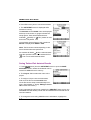
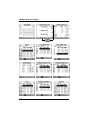
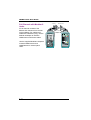
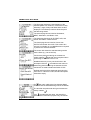
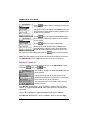
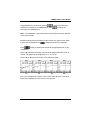
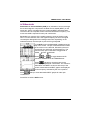
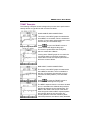
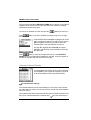
The RETURN LOSS and NEXT Graph screens
have
(Diagnostic) function keys to help
you with the interpretation of failed test results.
(See Chapter 5 - TDRL and TDNXT for detailed
information.)
2 - 10