1
OMNIScanner User Guide
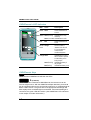
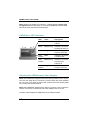
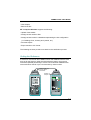
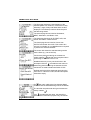
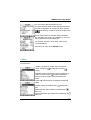
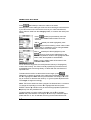
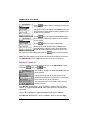
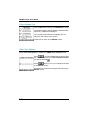
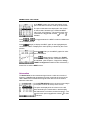
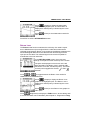
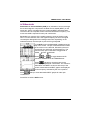
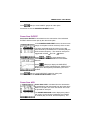
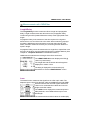
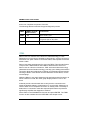
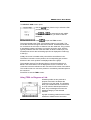
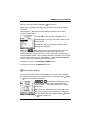
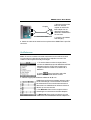
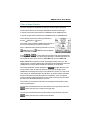
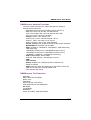
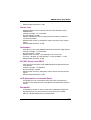
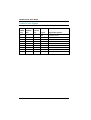
Function Keys
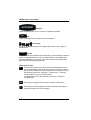
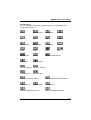
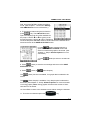
The functions of the 4 keys vary depending on the current display. The
assigned functions are:
Setup
Measurements
Diagnostics
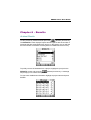
Results
New
Edit
Save
Delete
Erase a letter
Clear a field
Set Default
List
Detail
Retest
Graph
Pair
Save Graphs
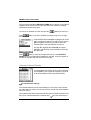
Select
Setup Autotest Options
Next Page
Previous Page
Switch to 850 nm Switch to 1300 nm
Set Reference
Continue Test
Switch to Continuous Wave
Switch to Modulated (2kHz) Wave
Use Method A
Use Method C
Use Method B
Switch to OMNIScanner Info
Switch to OMNIRemote Info
1-5