1
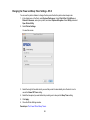
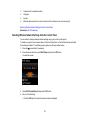
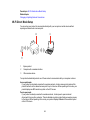
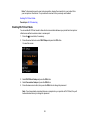
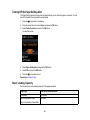
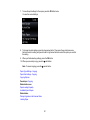
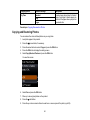
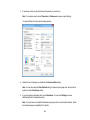
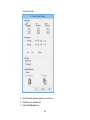
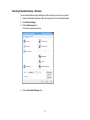
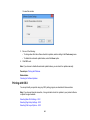
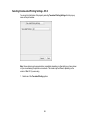
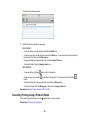
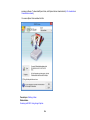
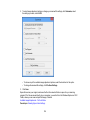
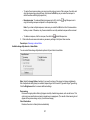
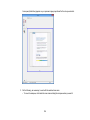
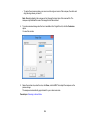
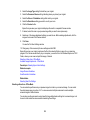
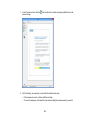
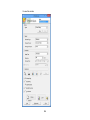
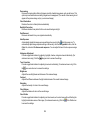
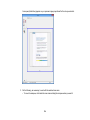
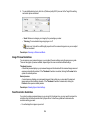
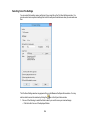
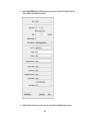
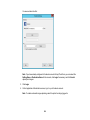
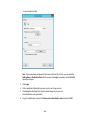
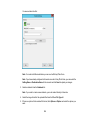
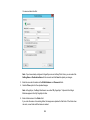
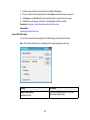
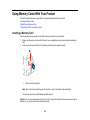
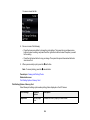
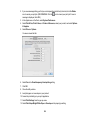
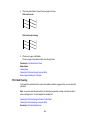
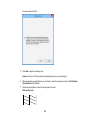
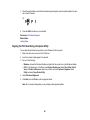
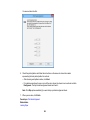
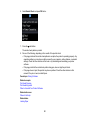
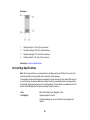
You see these settings:
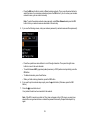
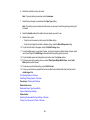
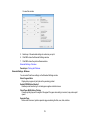
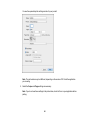
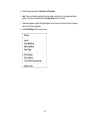
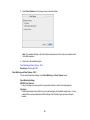
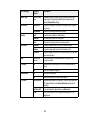
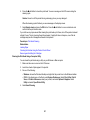
9. Select the type of paper you loaded as the Media Type setting.
Note: The setting may not exactly match the name of your paper. Check the paper type settings list
for details.
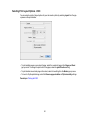
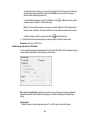
10. Select the Print Quality setting you want to use.
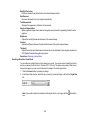
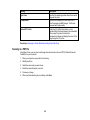
11. Select any of the available print options.
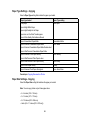
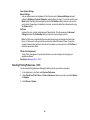
Print Quality Settings - OS X
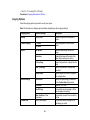
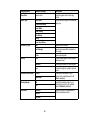
Print Options - OS X
Parent topic: Printing with OS X
Related references
Paper or Media Type Settings
Related tasks
Selecting Page Setup Settings - OS X
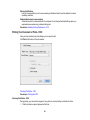
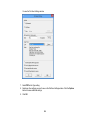
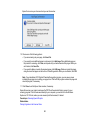
Printing Your Document or Photo - OS X
88