1
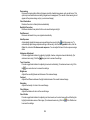
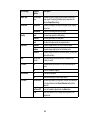
Jewel Index
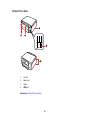
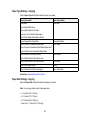
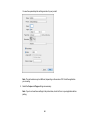
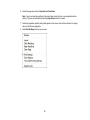
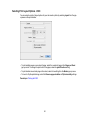
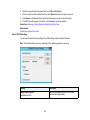
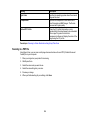
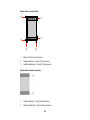
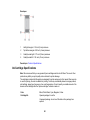
Prints 24 to 48 thumbnail images on a folded jewel case insert.
Parent topic: Printing Photo Layouts From a Memory Card
Printing Photo Greeting Cards
You can create custom greeting cards using photos on your memory card or other device, and add your
own handwritten or printed text.
First you select your photo and print a template on plain paper. Then you fill out the template, add your
message, and print your cards.
Creating and Printing a Greeting Card Template
Printing a Greeting Card from a Template
Parent topic: Printing from a Memory Card
Creating and Printing a Greeting Card Template
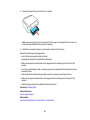
Before you start, make sure plain paper is loaded and your memory card is inserted.
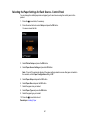
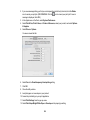
1. Press the
home button, if necessary.
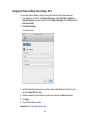
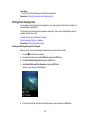
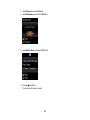
2. Press the arrow buttons to select Print Photos and press the OK button.
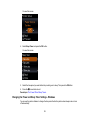
3. Select Print Photo Greeting Card and press the OK button.
4. Select Select Photo and Print Template and press the OK button.
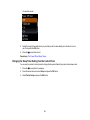
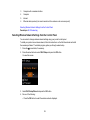
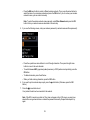
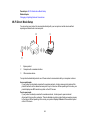
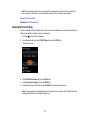
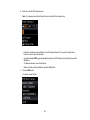
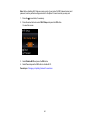
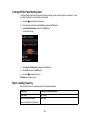
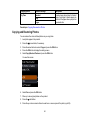
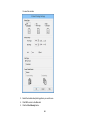
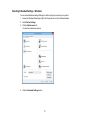
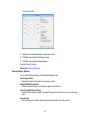
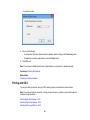
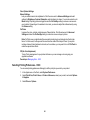
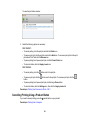
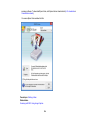
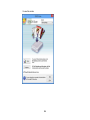
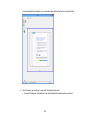
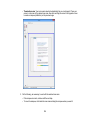
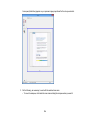
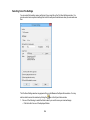
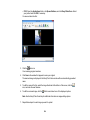
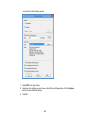
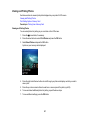
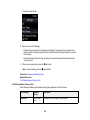
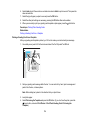
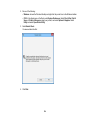
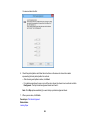
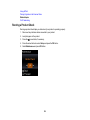
A photo on your memory card is displayed:
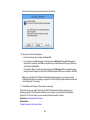
5. Press the left or right arrow buttons to select the photo you want, and press the OK button.
173