1
Combined RAID SW-UG.book Page 21 Monday, September 9, 2002 1:25 PM
Storage Manager
Note: If a drive fails during expansion, the expansion may
complete successfully. However, the new, larger array
remains in a degraded state until the problem is fixed. If there
is a hot spare associated with the array, the degraded array is
rebuilt using the hot spare. If there is no hot spare, replace the
defective drive and rebuild the array.
Reconfiguring and Array After Expansion
When the array expansion is complete, you need to configure the
array so that Windows recognizes the additional space. Follow
these steps:
1 Shut down and restart the system.
Note: When restarting, Windows runs chkdsk to verify the new
space.
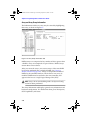
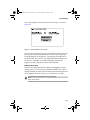
2 Start Disk Administrator. The new space appears as free space
at the end of the existing logical drive.
3 Select both the original logical drive and the free space by
highlighting both segments.
4 Select Partition–Extend Volume Set... Select Yes when
prompted to save your changes and restart Windows.
Use the rdisk.exe utility to update your emergency repair disk with
the new disk configuration information.
Deleting an Array Group
To delete an array group, follow these steps:
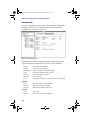
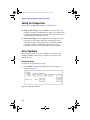
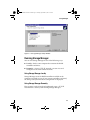
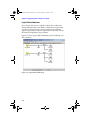
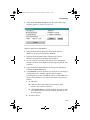
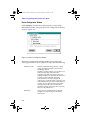
1 From the Logical Configuration View window, select the LSU or
array group icon of the array you want to delete. Then, select
Delete Array Group.
2 Select OK when the confirmation message appears to complete
the delete operation. Click Cancel to exit without deleting the
array group.
3-21