1
Combined RAID SW-UG.book Page 45 Monday, September 9, 2002 1:25 PM
Storage Manager
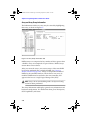
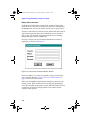
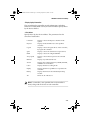
Select Options > Background Task Priority to control the relative
priority of I/O from the operating system and background tasks.
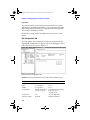
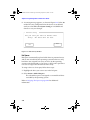
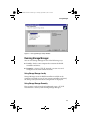
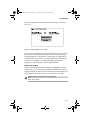
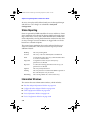
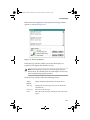
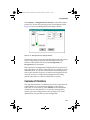
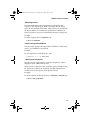
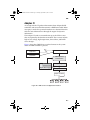
Figure 3-15 shows the Background Task Settings window.
Figure 3-15 Background Task Settings Window
The Priority section assigns the controller background task priority.
Set the task priority by using the arrow buttons to move the
indicator. The indicator moves between Background and
Foreground in ten increments.
If the indicator is at Background, background tasks are processed
only when there is no disk I/O from the host for a period of at least
250 milliseconds. As you move the indicator toward Foreground,
more of the controller resources are allocated to background tasks.
All of the resources are allocated to background tasks during
periods when there is no disk I/O from the host system.
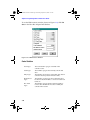
Controller I/O Statistics
The controller maintains a cumulative record of I/O operations in
cache RAM for use in analyzing the efficiency of the storage
subsystem. To view this data, select I/O Stats in the Information
window for any controller, drive, or array. By analyzing these
statistics, the array configuration, cache, and stripe size can be
optimized for your particular system configuration.
3-45