1
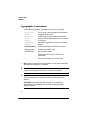
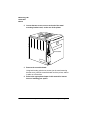
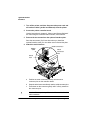
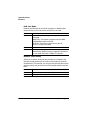
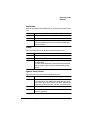
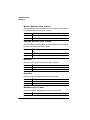
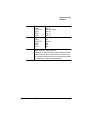
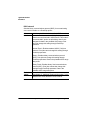
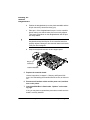
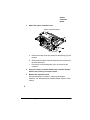
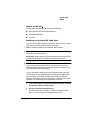
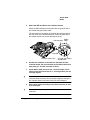
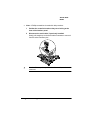
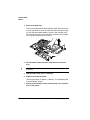
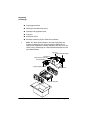
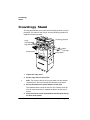
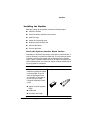
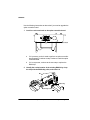
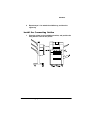
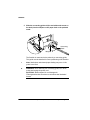
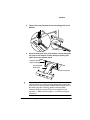
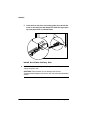
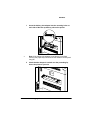
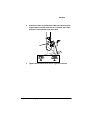
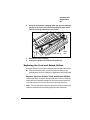
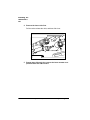
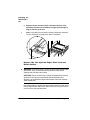
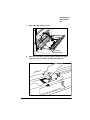
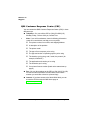
&URZQ&RS\ &URZQ&RS\ The QMS CrownCopy option consists of an image scanner and software. This feature increases the functionality of your printer, transforming it into a copier as well as a printer. The functionality of CrownCopy is already built into your printer, so using CrownCopy is as simple as making the connections and pushing the Copy button. The scanner provides a standard flat bed for copying single sheets or pages of a bound book while the automatic document feeder (ADF) provides automatic copying of up to 50 sheets. 3ULQW6\VWHP5HTXLUHPHQWV To use CrownCopy, your QMS 2425/2425 TURBO Print System must have the following: At least 24 MB RAM (however, for best performance 40 MB is recommended) An internal IDE hard disk (recommended)—80 MB or larger with at least 15 MB of free space Note: The printer’s hard disk is used for temporary storage of the scanned image. There should be enough extra room on the hard disk to store the largest-size scanned image. The size of this depends on the paper size and the resolution setting on the printer. » 8QSDFNLQJ&URZQ&RS\ The scanner kit contains the following: QMS CrownCopy Copy Scanner Power cord (110-volt) SCSI terminator and interface cable Daisy-chain connector 6WRUDJHDQG6FDQQLQJ'HYLFHV