1
Chapter 3. Usage
run.
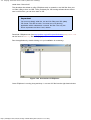
Next, if you're using LaunchELF/uLaunchELF as your boot application, you can run SMS by
navigating to SMS.ELF and pressing O. You may want to assign a shortcut button to it so it
is easier to load next time.
Tip
If you use SMS regularly, you may want to assign it as the 'default'
option in LaunchELF, so that it starts automatically, after a short
delay.
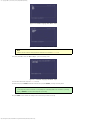
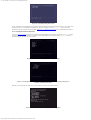
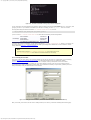
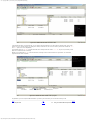
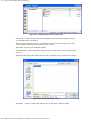
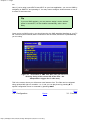
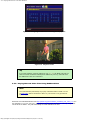
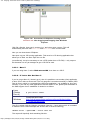
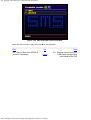
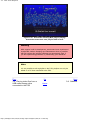
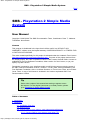
Once you've got SMS running, you should see the nice SMS graphical interface on your TV
set. From this point onwards, all the instructions are the same, whichever Exploit/Modchip
you are using.
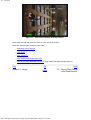
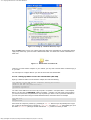
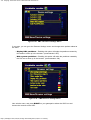
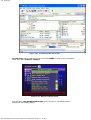
Figure 3.1. Screenshot of SMS main GUI. (files you see are a
directory listing of the current CD in the drive - the
independence trigger disc in this case).
This is the screen where you will access most features from. The files can be navigated
using up/down/left right on controller 1 or 2, and you can play them by pressing X. A
special configuration menu is accessed by pressing start.
Prev
2.6. Configuration
Home
http://sksapps.com/sms/en/usage.html[2011/09/27 11:02:00]
Next
3.1. Controls