1
Getting Started
Checklist
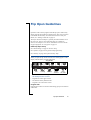
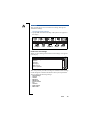
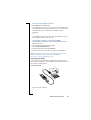
Make sure the following items are in the box when you unpack it:
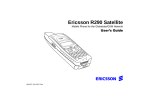
• R380e unit.
• R380e battery with touchscreen stylus.
• Charger with power plug and phone cable.
• User’s Guides.
• Quick Guide leaflets.
• CD-ROM; Ericsson Mobile Communications and Information
Suite which contains a multimedia presentation, Communications
Suite software and the User’s Manual (pdf).
• RS-232 cable for R380e to PC connectivity.
• Desk stand.
• 3 extra touchscreen styluses.
• Battery leaflet.
• Ericsson Service and Support leaflet.
If you do not intend to read through the User’s Guide or User’s
Manual before getting started, please spend a couple of minutes
reading the Quick Guide. This gives you a quick reference on how to
get started, although instructions are kept to a minimum.
Operational modes
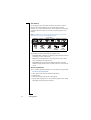
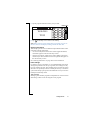
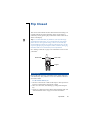
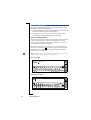
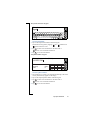
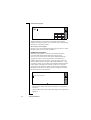
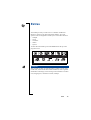
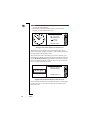
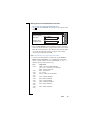
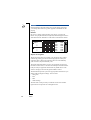
The two main operational modes are when the flip is closed and when
the flip is open. These operational modes are interchangeable where
tasks can be started with the flip closed and, if required, continued in
the more comprehensive flip open mode.
Although the manual covers both modes of operation in detail, it is
very important to remember that many of the functions described are
dependant on them being available from your network operator and
internet service provider. Please consult your network operator and
internet service provider for more information about the services that
are available to you.
Getting Started
7