1
Fax calls
Your R380e does not support fax transmission. Even if your operator
subscription supports fax transmission, fax calls are rejected.
However they can be forwarded to another number such as the office
fax number, see “Divert calls” on page 76 for more information.
Note: Make sure potential fax callers do not try to send a fax to your
R380e as they can experience a number of retries before the fax
transmission is stopped.
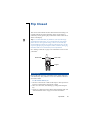
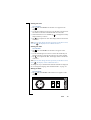
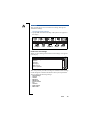
Indicator light
Blinks red
This indicates that the battery is running low and soon needs
recharging or replacing with a spare.
Note: With Vehicle Hands Free (VHF) equipment, make sure that the
following are inserted or connected: your R380e and its holder, the
fuse in the fuse holder, and/or the external antenna.
Does not blink
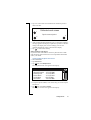
If the indicator light at the top of your R380e does not blink and no
network is displayed then there is not a network within range. See
‘No network is displayed’.
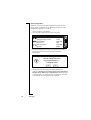
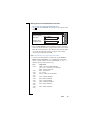
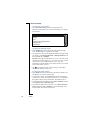
Insert card
A SIM card has not been inserted into your R380e. See “The SIM
card” on page 11 for instructions on inserting the SIM card.
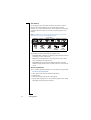
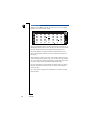
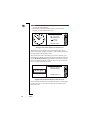
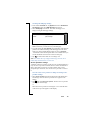
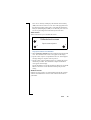
Key symbol
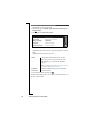
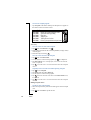
The keypad is locked to prevent unintentional key action.
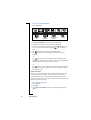
Press
followed by
to unlock the keys.
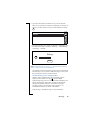
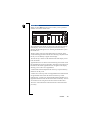
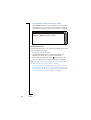
Memory/Disk full
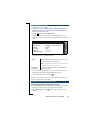
Due to memory limitations, your R380e has no more space available
to save or store information.
Warning! Make sure regular backups are made with
Communications Suite to reduce the risk of lost or corrupted
information.
•
•
•
•
•
202
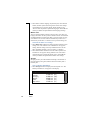
To free up memory, erase unused or old:
Call logs.
Contacts.
Messages.
Calendar To-dos or appointments.
WAP history or bookmarks.
Troubleshooting