1
Web Admin User Manual
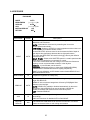
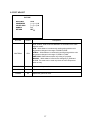
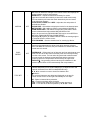
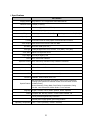
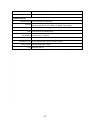
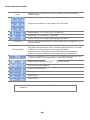
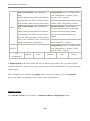
Clear Recording
Config.
Delete Recorded Data
System Log
Save Configuration
Utilities
Reboot
n/a
n/a
Factory Default
System Update
2.
Quick Configuration
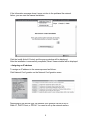
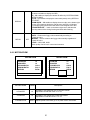
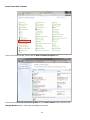
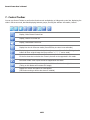
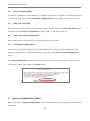
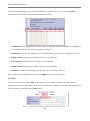
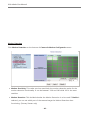
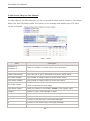
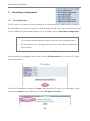
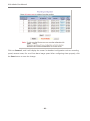
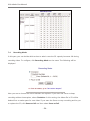
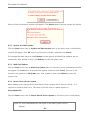
In Quick Configuration, you will be able to set up many of the essential parts of the
configuration in a simple manner without going into details. Selecting Quick Configuration gives
you the menu as below. You can perform each setup by clicking the one you would like to
configure.
2.1.
Step 1: Changing Server Name
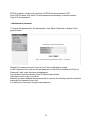
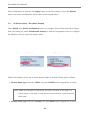
Click Server Name on System Configuration menu, then Server Name Setup windows will be
displayed. See the section 3.1 Server Name Setup in page 11 to see how to change the server
name.
2.2.
Step 2: Time Setup
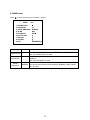
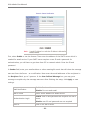
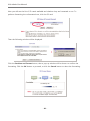
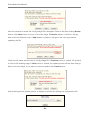
Click Date & Time on System Configuration menu, then Local Date & Time Configuration
window will be displayed. See the section 3.2 Date & Time in page 11 to see how to set up.
- 10 -