1
Web Admin User Manual
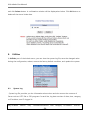
Note: If the program is terminated during the format process, the SD card
may be damaged. To avoid this problem, make sure to close the
program in the right manner and check the SD card.
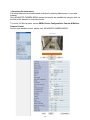
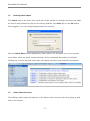
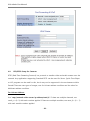
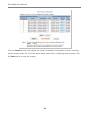
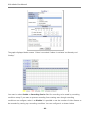
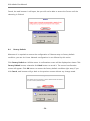
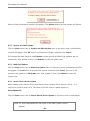
After formatting is finished, the following window will appear informing it. Click the OK button.
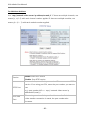
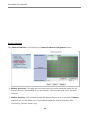
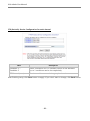
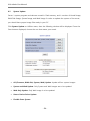
On SD Status & Format window, you will be able to see that the 1ST SD is shown formatted.
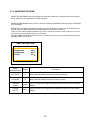
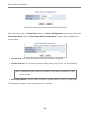
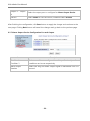
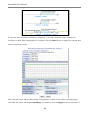
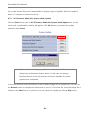
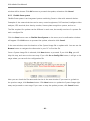
After formatting SD card is finished, click the Reboot button to restart the system.
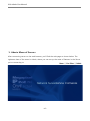
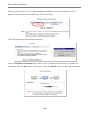
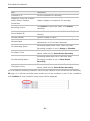
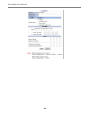
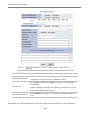
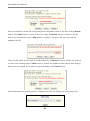
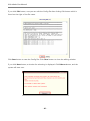
After about 30 seconds, the system will be rebooted. You will be able to see the following
information when you log in to the Admin web page of the Server .
- 61 -