1
3.1
Friction Rail Kit Installation Guide
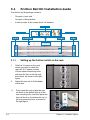
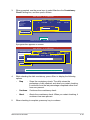
Your friction rail kit package contains:
•
One pair of rack rails
•
4 latch screws, 4 rail screws and 4 rail washers
•
One pair of fixing latches
Rail Washers
Rail screws
Latch screws
Front end
3.1.1
1.
2.
3.
3-2
Fixing latches
Rack rails
Rear end
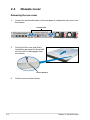
Setting up the friction rail kit on the rack
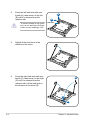
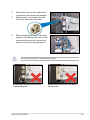
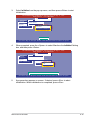
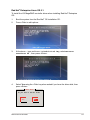
Select a 1U space on the rack
where you want to install the
rack rail. A 1U space consists
of three square mounting holes
with two thin lips on the top and
the bottom, as shown in the right
figure.
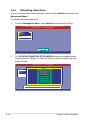
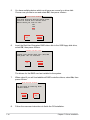
Adjust the rack rail to fit the depth
of the rack.
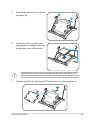
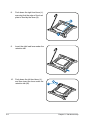
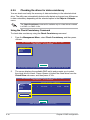
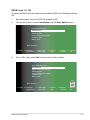
From inside the rack, place the rear
rail hook on the bottom thin lip of the
rear mounting hole, and then place the
front rail hook on the bottom thin lip of
the front mounting hole, as shown in
the right figure.
Chapter 3: Installation options