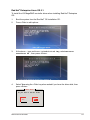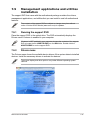
1
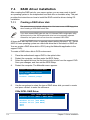
3.
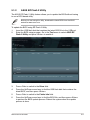
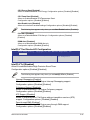
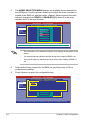
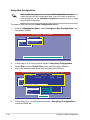
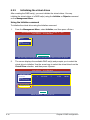
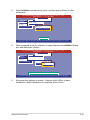
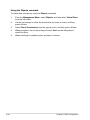
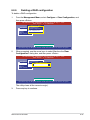
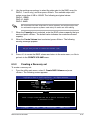
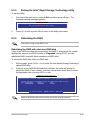
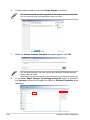
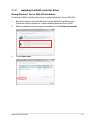
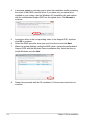
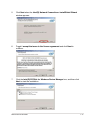
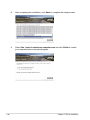
Select Initialize from the pop-up menu, and then press <Enter> to start
initialization.
LSI Software RAID Configuration Utility Ver C.05 Sep 17, 2010
BIOS Version A.10.09231523R
Vitual Drive(1)
Virtual Drive 0
Objects
Management Menu
Adapter
Configure
Virtual Drive
Initialize
Physical Drive
Objects
Vitual Drive(0)
Rebuild
Initialze
Check Consistency
Check Consistency
View/Update Parameters
Initilize VD
Use Cursor Keys To Navigate Between Items And Press Enter To Select An Option
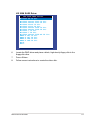
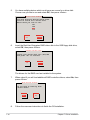
4.
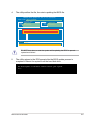
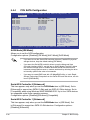
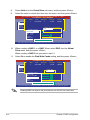
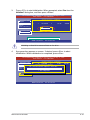
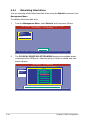
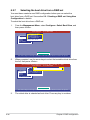
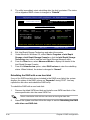
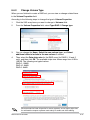
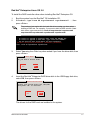
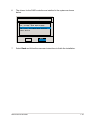
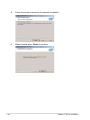
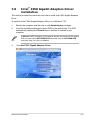
When prompted, press the <Space> to select Yes from the Initialize? dialog
box, and then press <Enter>.
LSI Software RAID Configuration Utility Ver C.05 Sep 17, 2010
BIOS Version A.10.09231523R
Vitual Drive(1)
Virtual Drive 0
Objects
Management Menu
Adapter
Configure
Virtual Drive
Initialize
Physical Drive
Objects
Vitual Drive(0)
Rebuild
Initialze
Check Consistency
Initialize?
Check Consistency
Yes
View/Update Parameters
No
Init Will Destroy Data On Selected VD(s)
Use Cursor Keys To Navigate Between Items And Press Enter To Select An Option
5.
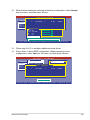
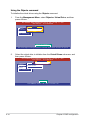
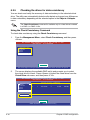
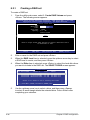
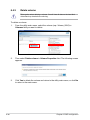
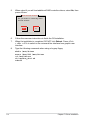
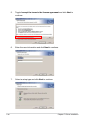
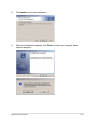
A progress bar appears on screen. If desired, press <Esc> to abort
initialization. When initialization is completed, press <Esc>.
ASUS RS700-E7/RS8
6-15