1
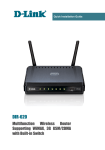
DIR-320
Quick Installation Guide
33. Log into the web-based interface and go to the Net / WAN page.
34. Click the Add button.
35. On the opened page, select the PPPoE value from the Connection
Type drop-down list.
36. From the Interface drop-down list, select the value Internet.2.
37. In the Username field, enter user.
38. Deselect the Without authorization checkbox.
39. In the Password and Password confirmation fields, enter
user_password.
40. Click the Save button.
31