1
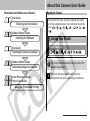
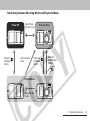
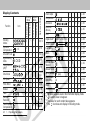
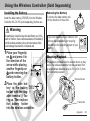
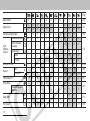
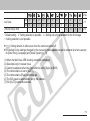
Using the Flash
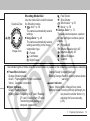
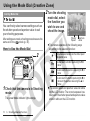
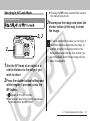
Shooting Mode Dial
a
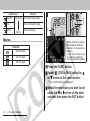
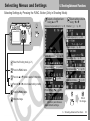
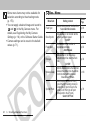
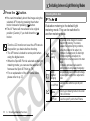
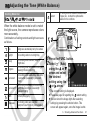
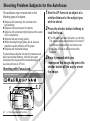
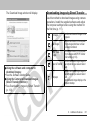
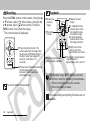
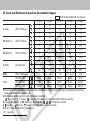
Use the flash according to the guidelines
below.
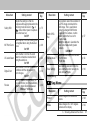
Auto with red- The flash fires automatically as required by
eye reduction the lighting level, and the red-eye reduction
lamp fires each time the main flash fires.
The flash fires automatically as required by
Auto
the lighting level.
Flash on with
The red-eye reduction lamp and the flash
red-eye
always fire.
reduction
Flash on
The flash always fires.
Flash off
The flash does not fire.
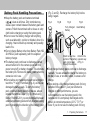
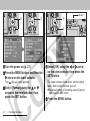
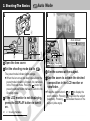
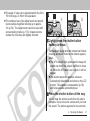
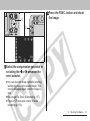
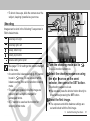
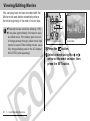
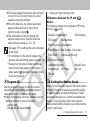
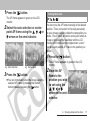
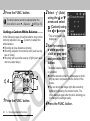
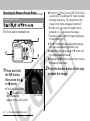
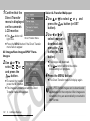
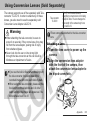
aPress the button to switch between
flash modes and shoot the image.
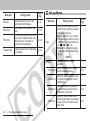
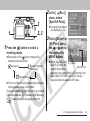
The selected flash mode appears on the LCD
monitor.
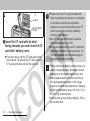
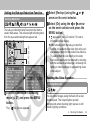
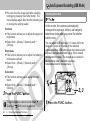
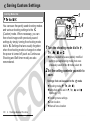
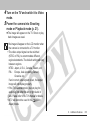
z You can switch between settings by pressing
the
button. The flash setting may not switch
with certain shooting modes.
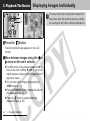
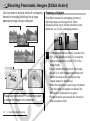
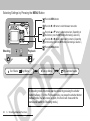
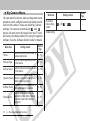
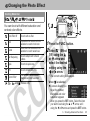
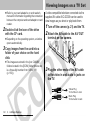
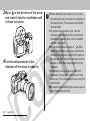
When the red-eye reduction function is on
When the red-eye reduction function is off
38
2. Shooting-The Basics