1
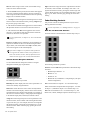
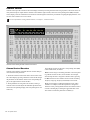
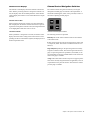
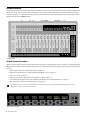
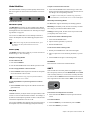
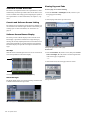
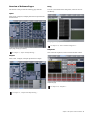
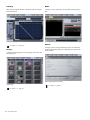
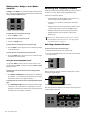
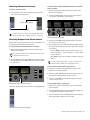
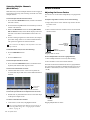
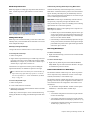
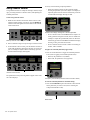
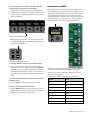
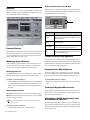
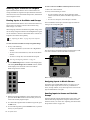
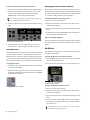
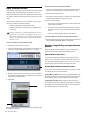
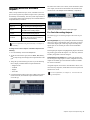
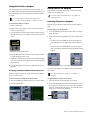
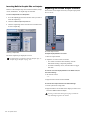
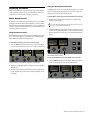
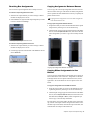
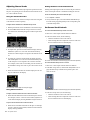
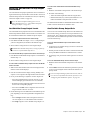
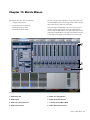
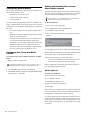
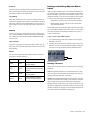
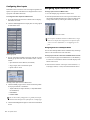
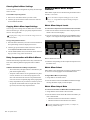
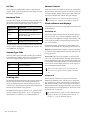
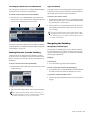
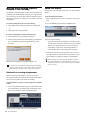
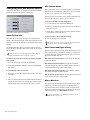
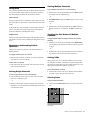
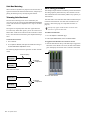
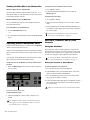
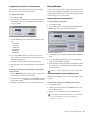
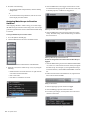
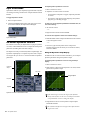
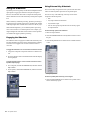
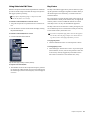
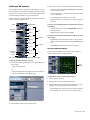
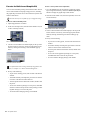
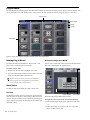
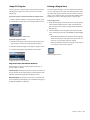
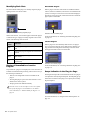
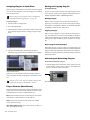
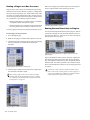
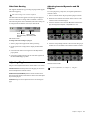
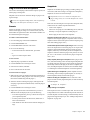
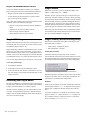
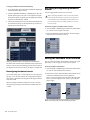
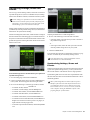
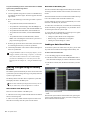
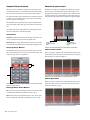
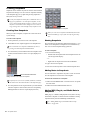
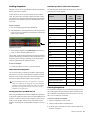
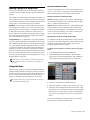
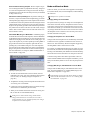
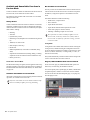
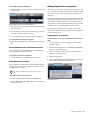
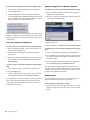
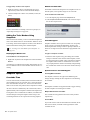
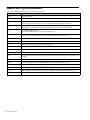
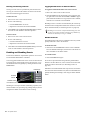
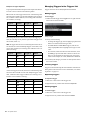
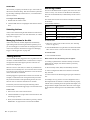
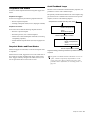
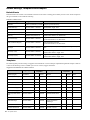
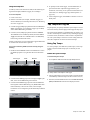
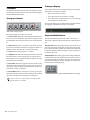
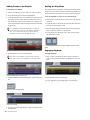
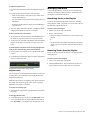
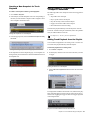
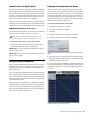
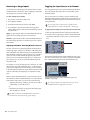
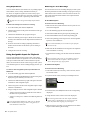
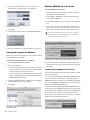
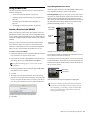
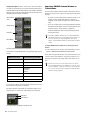
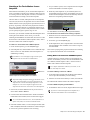
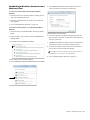
Assignable Outputs In the Pro Tools session, new mono and ste- reo tracks are created for any S3L system channels patched to Assignable outputs under the Pro Tools tab in the VENUE Patchbay patching grid. Tracks are named automatically based on their corresponding channel names in VENUE. Importing VENUE Channel Names as Track Names You can import VENUE channel names as track names into an existing Pro Tools session. You can use this option in the following ways: • If you have created a session from VENUE, but prior to recording you have changed the names of channels in VENUE, use this feature to update track names automatically. Stereo Direct Outs • If you are working from an existing template that includes the VENUE channels plus a variety of other channels (such as effects returns), use this feature to update the VENUE-related track names without affecting the other non-VENUE tracks. Stereo Group Mono Aux If you have added a channel to the currently loaded Show file that does not have a corresponding Pro Tools track, create a new track, set the input assignment, then choose Import > VENUE Channel Names as Track Names to import names. Mono Matrix To import VENUE channel names into an existing Pro Tools session: Imported assignable channel track names Track names are appended with the corresponding output type as follows: VENUE Channel Type Track Name Appended With Group (Grp) Aux (Aux) Matrix (Mtx) Mains (Left-Right) (Center) (Mono) Monitor (Mon) Direct Out (Dir) Plug-in output (PI) Track input and outputs are automatically assigned in Pro Tools, and are shown in the Track I/O selectors. By default, all track output paths for Assignable outputs are assigned to Bus 1-2 in Pro Tools. This routing can be changed. Track input Track Output I/O assignments for Assignable outputs from S3L 266 S3L System Guide In an existing Pro Tools session, from the File menu, choose Import > VENUE Channel Names as Track Names. Track names are imported the same way as described above (see “Create a Session from VENUE” on page 265). However, I/O routing for all tracks do not change, and no new tracks are created. When you create new sessions in Pro Tools, you can use pre-formatted VENUE session templates, or you can create your own template, which you can then use as the basis for new sessions. See the Pro Tools Reference Guide for information on using templates.