1
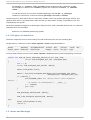
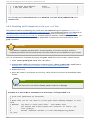
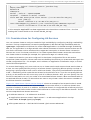
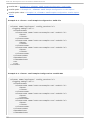
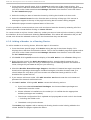
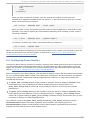
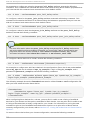
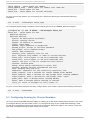
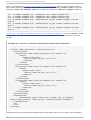
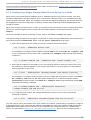
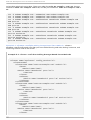
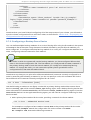
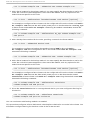
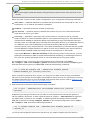
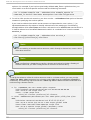
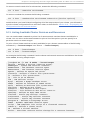
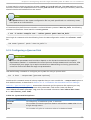
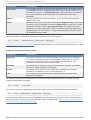
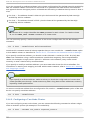
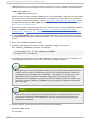
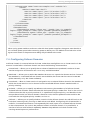
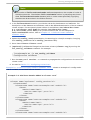
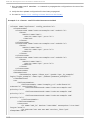
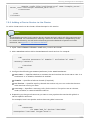
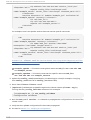
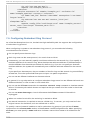
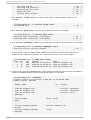
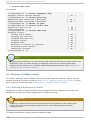
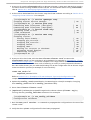
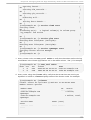
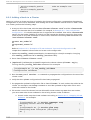
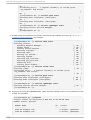
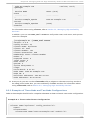
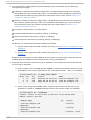
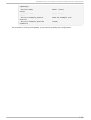
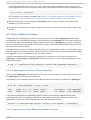
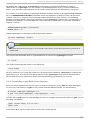
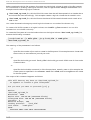
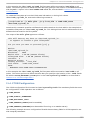
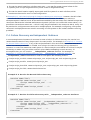
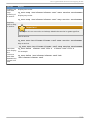
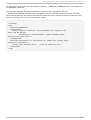
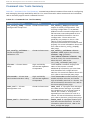
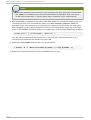
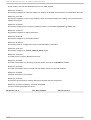
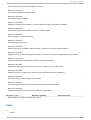
Chapt er 8 . Managing Red Hat High Availabilit y Add- O n Wit h Command Line T ools Starting fenced... ] Starting dlm_controld... OK ] Starting gfs_controld... OK ] Unfencing self... OK ] Joining fence domain... OK ] [root@ example-01 ~]# servi ce cl vmd start Starting clvmd: OK ] Activating VG(s): 2 logical volume(s) in volume group "vg_example" now active [ OK [ [ [ [ [ [ OK ] [root@ example-01 ~]# servi ce g fs2 start Mounting GFS2 filesystem (/mnt/gfsA): OK ] Mounting GFS2 filesystem (/mnt/gfsB): OK ] [root@ example-01 ~]# servi ce rg manag er start Starting Cluster Service Manager: OK ] [root@ example-01 ~]# [ [ [ c. At any cluster node, run cman_to o l no d es to verify that the nodes are functioning as members in the cluster (signified as " M" in the status column, " Sts" ). For example: [root@ example-01 ~]# cman_to o l no d es Node Sts Inc Joined 1 M 548 2010-09-28 10:52:21 2 M 548 2010-09-28 10:52:21 Name node-01.example.com node-02.example.com d. At any node, using the cl ustat utility, verify that the HA services are running as expected. In addition, cl ustat displays status of the cluster nodes. For example: [root@ example-01 ~]#cl ustat Cluster Status for mycluster @ Wed Nov 17 05:40:00 2010 Member Status: Quorate Member Name ------ ---node-02.example.com rgmanager node-01.example.com rgmanager Service Name State ------- -------- ID Status ---- -----2 Online, 1 Online, Local, Owner (Last) ----- ------ 135