1
User’s Guide
Special keys
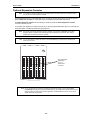
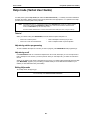
Loop key (Code 587)
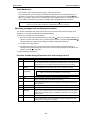
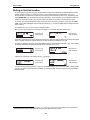
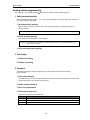
A loop key allows for the appearance of any CO line or Esi-Link call that may be ringing a station, without the
need for a programmable feature key to be programmed as a CO line key. Up to six loop keys may be
programmed per station.
Using a loop key
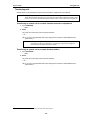
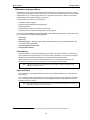
• Incoming outbound calls will appear on the first available loop key (if one or more loop keys are
programmed on the phone).
• Calls may be placed on exclusive hold simply by pressing the active loop key.
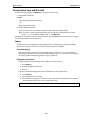
• If multiple calls are on loop keys, a user may toggle between the calls by pressing a desired loop key.
(The call that was originally active on a loop key will be placed on exclusive hold.)
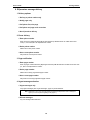
• Calls placed on exclusive hold on a loop key can be retrieved from exclusive hold by only the station that
placed the call on exclusive hold, and can be retrieved simply by pressing the flashing loop key.
• If the HOLD key is used, the caller will be placed on system-wide (not exclusive) hold and the loop key
will return to an idle state.
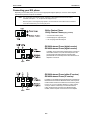
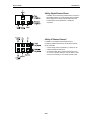
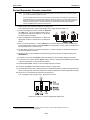
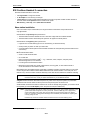
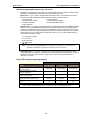
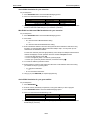
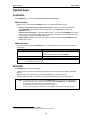
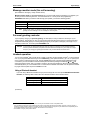
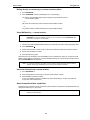
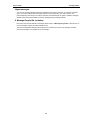
Loop key LED indications
If the loop key LED is . . .
Slowly blinking green
Blinking green
Solid green
Slowly blinking red
The loop key call is . . .
Held by your station
Ringing at your station
Connected to your station
On Virtual Answer hold
F.20