1
Search Playback
(3) Date/Time Search Playback
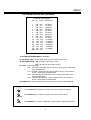
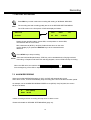
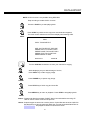
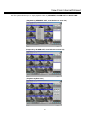
Press SEARCH key to enter the SEARCH MENU dialog.
SEARCH
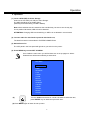
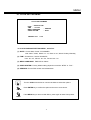
SEARCH MENU
BY SEGMENT LIST
BY ALARM LIST
BY DATA TIME
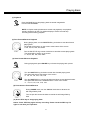
Turn the JOG dial to select BY DATA TIME and press ENTER
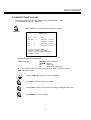
key. The submenu and instruction will display as follows:
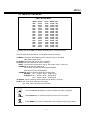
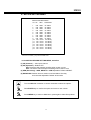
DATE/TIME SEARCH
YEAR/MM/DD HH:MM:SS HDD
2003 /01 /01 21: 33: 26
1
PRESS SEARCH TO START SEARCH
PRESS MENU TO EXIT
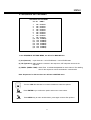
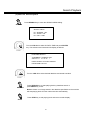
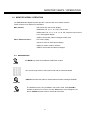
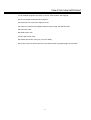
Turn the JOG dial to select desired date/time and stored hard disk.
SEARCH
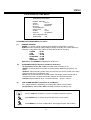
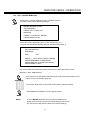
Press SEARCH key to start playing back by date/time search or
press MENU key to exit..
Notice: If there is no image stored in the date/time specified then the machine
will start playing back from the nearest set time automatically.
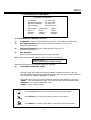
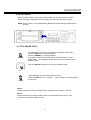
Press STOP key to end playing back and return to static display.
STOP
30