1
Managing Your EAPS Configuration
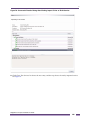
Creating a Shared Link
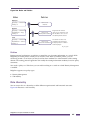
An EAPS shared link is a physical link that carries overlapping VLANs that are protected by more than
one EAPS domain. To create an EAPS shared link, do the following:
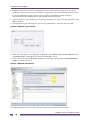
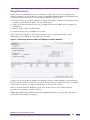
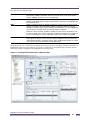
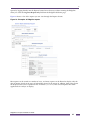
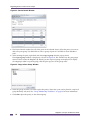
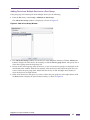
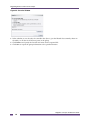
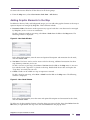
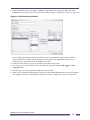
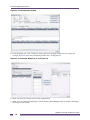
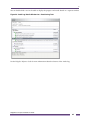
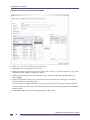
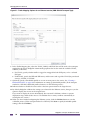
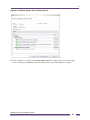
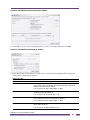
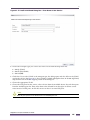
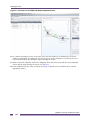
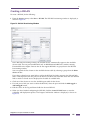
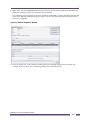
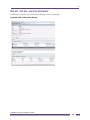
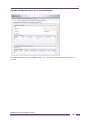
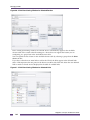
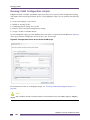
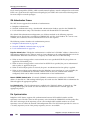
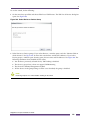
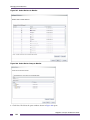
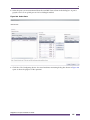
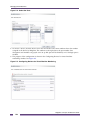
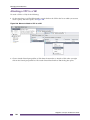
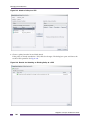
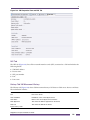
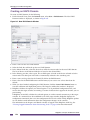
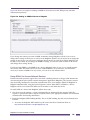
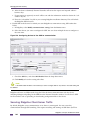
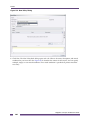
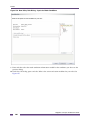
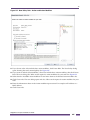
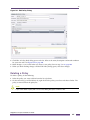
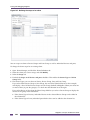
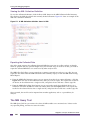
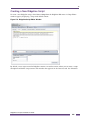
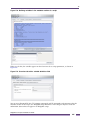
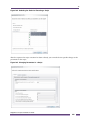
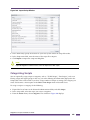
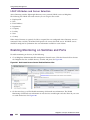
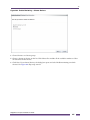
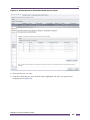
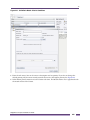
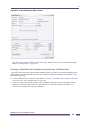
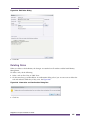
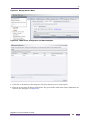
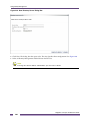
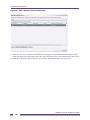
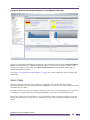
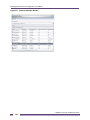
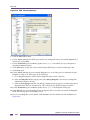
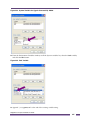
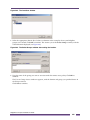
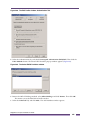
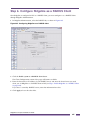
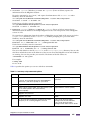
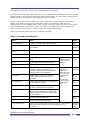
1 Under Network Views, from the Protocol menu, select New > Shared link. The New Shared Link
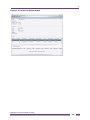
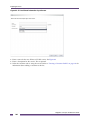
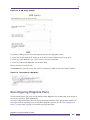
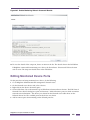
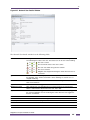
window is displayed, as shown in Figure 137.
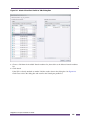
Figure 140: New Shared Link Window
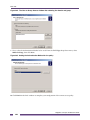
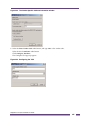
2 Select the link that will make up shared link. You can specify only one link to be used as a shared
link.
3 In the Controller Node box, select the device that will be the controller node for the shared link. The
list of devices in the Controller Node box is based on the selected link. The other device in the link is
automatically selected as the Partner Node.
4 In the Primary port box, select a port. The available ports is based on the device selected to be the
master node. The other port in the link is automatically selected as the secondary port.
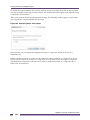
5 Enter values for the EAPS timeout values and Expiry action, if you want to use values other than the
default.
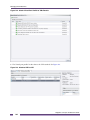
6 When you have finished configuring shared link, click the Create shared link button to start the
validation and deployment process.
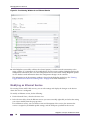
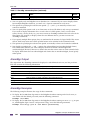
Deleting an EAPS Domain
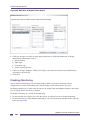
To delete an EAPS domain, do the following:
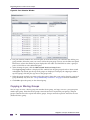
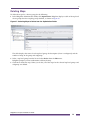
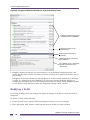
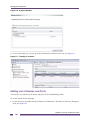
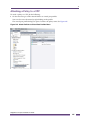
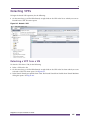
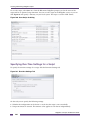
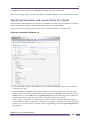
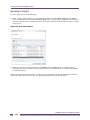
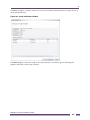
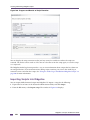
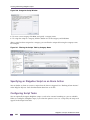
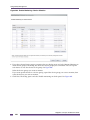
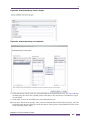
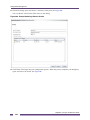
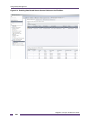
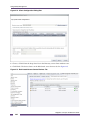
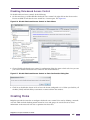
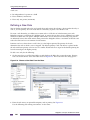
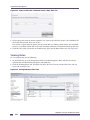
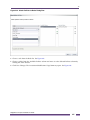
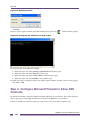
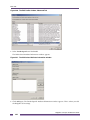
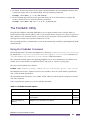
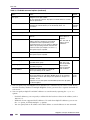
1 Select a device group or the All table or All Map in the Network Views folder, then click the EAPS
tab. A table listing the EAPS domains in the group is displayed.
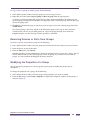
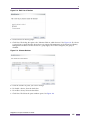
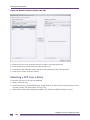
2 In the Domains table, select the EAPS domain you want to delete.
Ridgeline Concepts and Solutions Guide
180