1
Chapter 1. User Guide
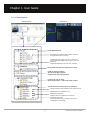
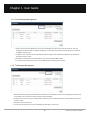
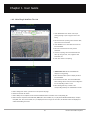
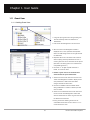
1.3.2-6 File/Folder Download
2
1
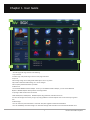
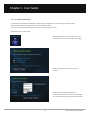
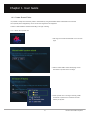
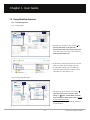
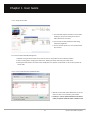
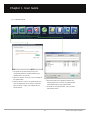
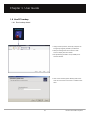
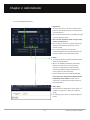
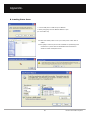
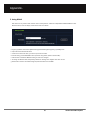
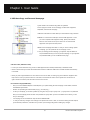
1. This function is to download files which are saved in
the Internet storage space into my own disk.
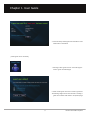
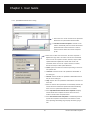
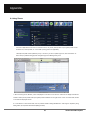
2. To download a file or folder, first select the file or
3
folder to be downloaded. ① Click ‘Download’ in the
File menu, ② drag & drop by the mouse or ③ by
clicking on the Download’ icon.
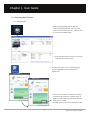
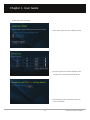
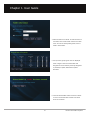
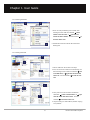
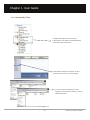
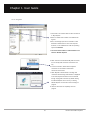
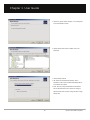
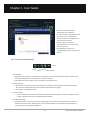
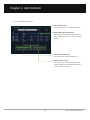
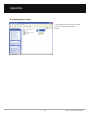
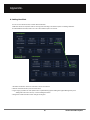
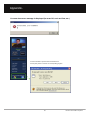
3. A Download window to check the list of files for
download and the download progress status is
created.
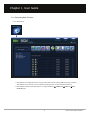
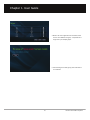
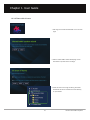
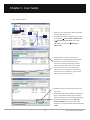
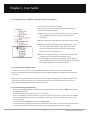
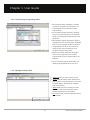
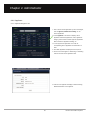
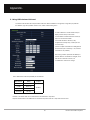
4. In the File list, results of the file transfer can be
checked. In the Download Progress window, the
transfer speed and overall progress rate can be
checked.
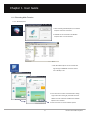
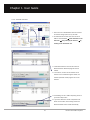
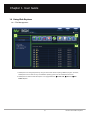
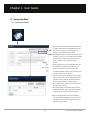
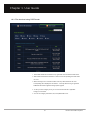
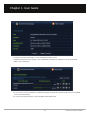
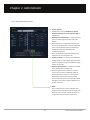
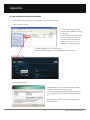
5. Downloading of a file or folder temporarily pauses if
you click the Stop button.
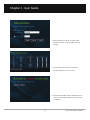
6. If you select ‘Exit when transfer complete’d at the
bottom of the window, after finishing transfer the
download window will be closed automatically.
29
Unicorn Information System