1
Chapter 2. Administrator
2.2 User Management
2.2.1 User Management
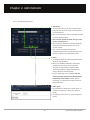
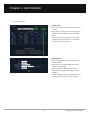
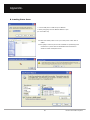
2.2.1-1 User Management List
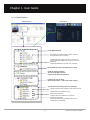
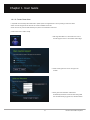
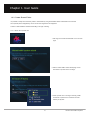
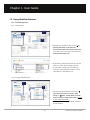
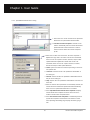
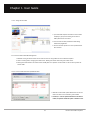
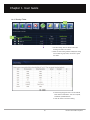
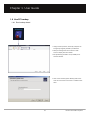
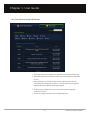
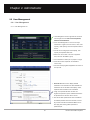
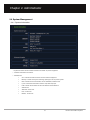
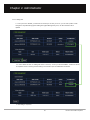
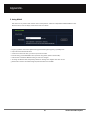
1. ‘User Management’ is where general user accounts
are managed, such as user service suspension,
deletion and modification.
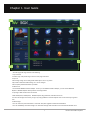
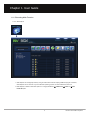
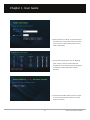
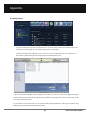
2. Press ‘User Management’ in menu to see major
information at a glance, such as user ID, name, total
capacity, used capacity, status and expiration date in
the list.
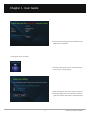
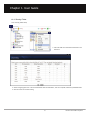
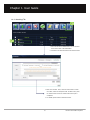
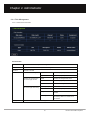
3. The list can be arranged per used capacity, total
capacity and expiration date wise.
4. Mail or note can be sent to the user or applicant.
Also, users can be added to group.
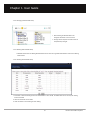
5. User information is shown per 10 people on a page.
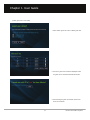
6. Users with service suspension are marked as
‘service stop’.
7. The most recently registered applicants are shown at
the top of list.
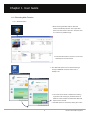
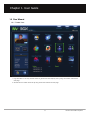
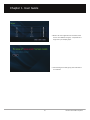
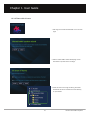
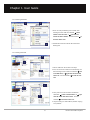
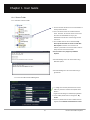
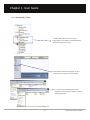
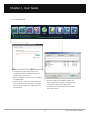
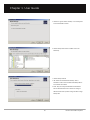
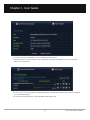
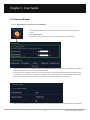
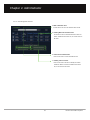
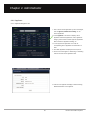
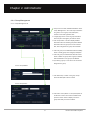
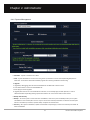
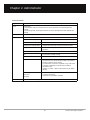
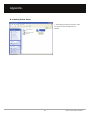
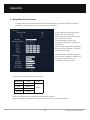
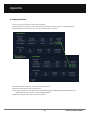
1. Click user ID from the list to display detailed
information of the selected user. More detailed user
information can be checked. Total capacity, status,
expiration date and division can be modified.
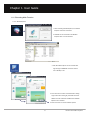
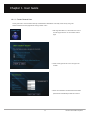
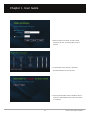
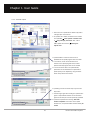
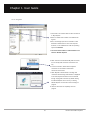
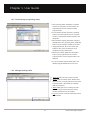
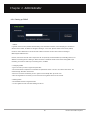
2. If login is not possible because the user has
forgotten the password, press ‘Initialize Password’ to
set password to be the same as the user ID.
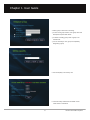
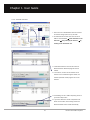
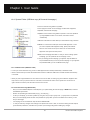
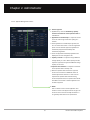
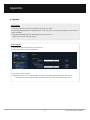
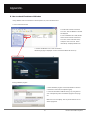
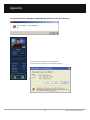
3. The Secure folder password can also be initialized.
To initialize password of the Secure folder, a secret
key must be entered and authorized. Make sure to
click apply after entering admin password in
password input.
62
Unicorn Information System