1
9 Controller Environmentals
Overview
The Controller Information window provides you with options to view the status of the a controller
and makes changes to some of its environmental parameters. User controllable functions include
updating controller firmware, synchronizing the time and date, as well as resetting controllers and
managing log files.
Controller Environmentals
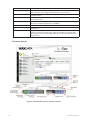
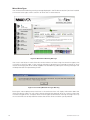
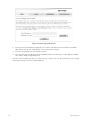
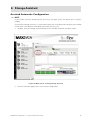
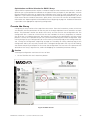
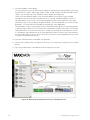
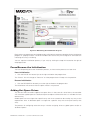
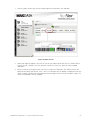
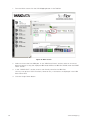
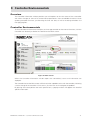
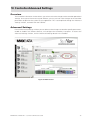
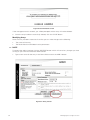
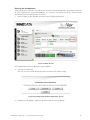
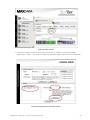
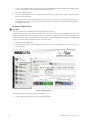
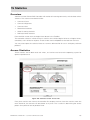
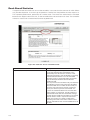
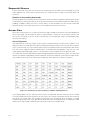
To view controller environmental conditions and manage controller environmental functions, click the
Controller icon located just above the Tool Bar on the Main screen.
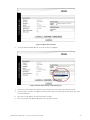
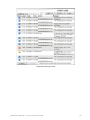
Figure 52. Main Screen
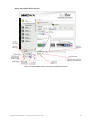
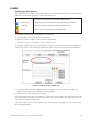
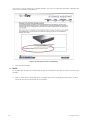
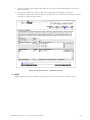
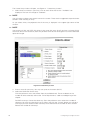
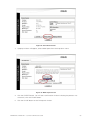
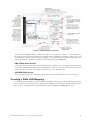
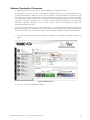
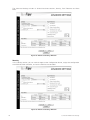
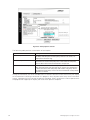
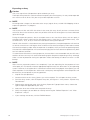
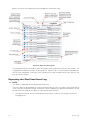
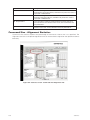
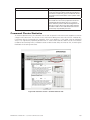
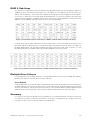
When the Controller Information window opens the controller(s) status and information are
displayed.
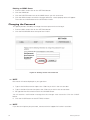
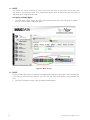
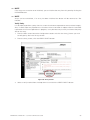
The Controller icon on the Main screen will flash red when a problem exists with the controller, indicating
a status change of the controller. If this occurs, click the icon and investigate the problem.
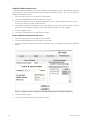
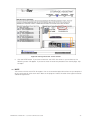
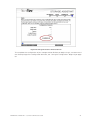
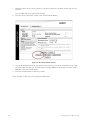
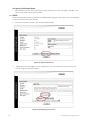
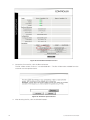
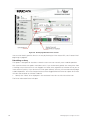
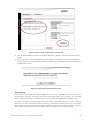
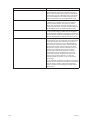
By passing the mouse pointer over each specific item, a pop-up window will appear with detailed
specific information.
MAXDATA SR1202 M1 – StorView® RAID User Guide
71