1
1
Troubleshooting
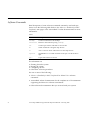
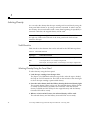
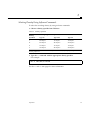
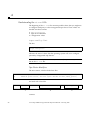
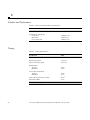
If the DLT7000 tape drive fails during POST or operation, use Table 1-1 to
determine the problem and the action to take.
Table 1-1
6
Troubleshooting
Symptom:
Your system does not recognize the DLT7000 tape drive.
Action:
Make sure that:
• The SCSI ID is unique.
• The SCSI data cable is not loose.
• The SCSI bus is correctly terminated.
• You have rebooted the system using the boot -r command.
Symptom:
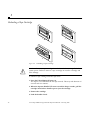
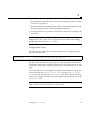
All LEDs on the right- or left-side of the tape drive front panel
blink.
Action:
Try to unload the tape and reinitialize the drive by pressing the
Unload button, or turn the drive power off and then on again.
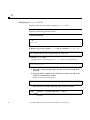
The right or left side LEDs stop blinking and the drive tries to
reinitialize. The LEDs should turn on steady again and go off if
the test succeeds.
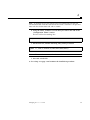
If all right or left side LEDs still blink, the drive has a hardware
failure.
35-70 Gbyte SPARCstorage DLT7000 Tape Drive Manual—February 1997