1
DuraLAN Fast Ethernet NICs User’s Guide
Configuring IPX
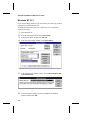
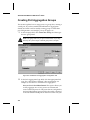
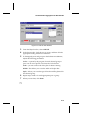
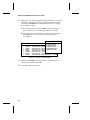
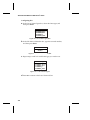
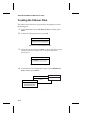
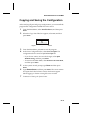
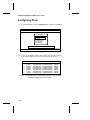
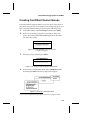
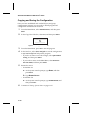
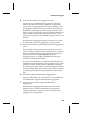
a In the List of Frame Types box, select the frame type, and
then press Enter.
List of Frame Types
ETHERNET_802.2
ETHERNET_802.3
ETHERNET_II
ETHERNET_SNAP
Figure 9-9. List of Frame Types Box
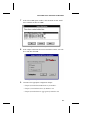
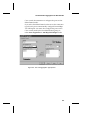
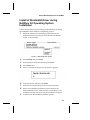
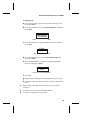
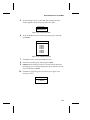
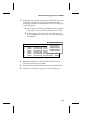
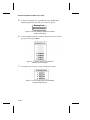
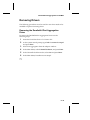
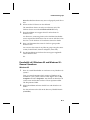
b In the IPX Network Number box, type the network number,
and then press Enter.
IPX Network Number
00000001
Figure 9-10. IPX Network Number Box
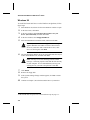
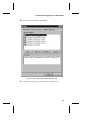
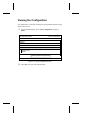
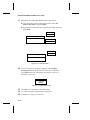
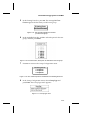
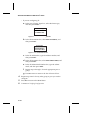
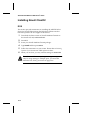
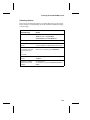
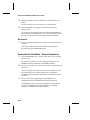
c Repeat steps a and b for each frame type you wish to use.
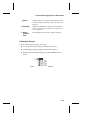
List of Frame Types
ETHERNET_802.2
ETHERNET_802.3
ETHERNET_II
ETHERNET_SNAP
Figure 9-11. List of Frame Types
d Press Esc to return to the List of Protocols box.
9-8