1
Notepad
Note
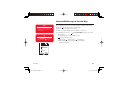
To edit or delete a memo, select
the memo after Step 2 and press
J (Options).
j
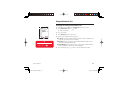
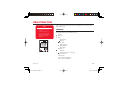
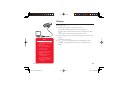
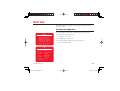
You can use your phone as a notepad for storing text input. You can also access the
saved data during character input and editing. You can enter up 256 characters for each
memo and store up to 20 memos in the notepad.
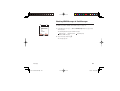
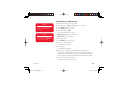
1. In standby mode, press @, select Tools and press J (Select).
2. Select Notepad and press J (Select).
3. Select the position to which you want to save the memo and press @.
4. Enter the contents of the memo and press @.
Convenient Functions
902T-e-manual-08.indd 261
261
05.6.9 5:00:41 PM