1
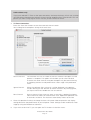
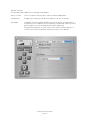
Window Settings:
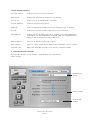
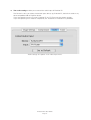
The Window pane enables you to activate three options:
Always in front:
The TV window will always be in front of all other applications.
Transparency:
Enables you to adjust the level of transparency for the TV window.
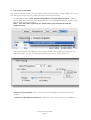
Clip edges:
The option to clip the edges enables you to reduced the viewable area of
the picture. This is helpful if you are watching a widescreen movie or the TV
picture displays a line at the top (due to closed captioning).
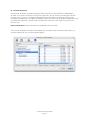
Four presets enable you a quick access to the most common settings. A
custom value can be entered by selecting ‘Custom’ in the presets.
EvolutionTV™ User Guide
Page 19