1
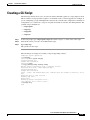
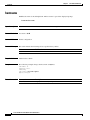
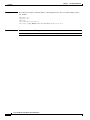
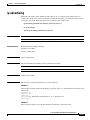
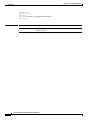
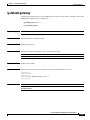
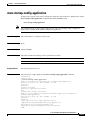
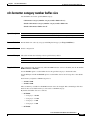
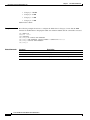
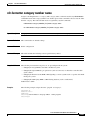
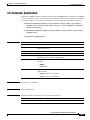
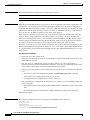
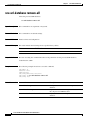
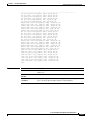
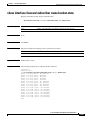
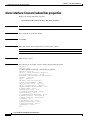
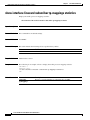
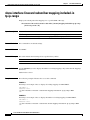
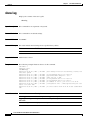
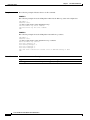
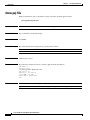
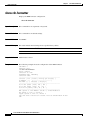
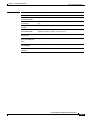
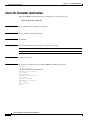
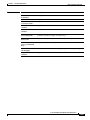
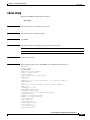
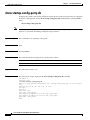
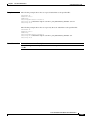
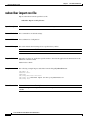
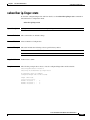
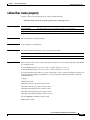
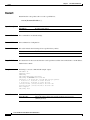
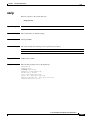
Chapter 2 CLI Command Reference show startup-config-party-db show startup-config-party-db To display the contents of the startup configuration party database of the static parties that are configured in the Cisco SCE platform, use the show startup-config-party-db command in the privileged EXEC mode. show startup-config-party-db Note The configuration file contents will be displayed only if the corresponding startup configuration party database is copied from the running configuration party database. Syntax Description This command has no arguments or keywords. Command Default None. Command Modes Privileged EXEC Command History This table includes the following release-specific history entries: Release Modification 3.7.x This command was introduced. Usage Guidelines The authorization used is root. Examples The following is sample output from the show startup-config-party-db command: SCE>enable 15 Password:<cisco> SCE#>show startup-config-party-db #This is a party database configuration file (running-config-party-db) for static parties only. #Created on 13:34:02 UTC TUE July 12 2011 #cli-type 1 #version 1 party name "N/A" party name "[party-name]" party mapping ip-address 24.11.52.128 name [party-name] party mapping ip-address 110.10.10.10 name [party-name] party name [party-name] SCE#> Cisco SCE 2000 and SCE 1000 CLI Command Reference 2-462 OL-26797-03