1
DAB RADIO MODE
GETTING READY FOR DAB OPERATION
Please ensure that the radio’s antenna is extended before operation
in DAB Mode.
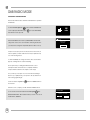
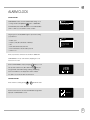
To enter DAB MODE, press the
button until the DAB MODE intro
screen is displayed, alternatively press
DAB
radio
then select MAIN MENU,
then DAB from menu option list.
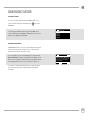
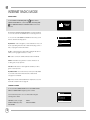
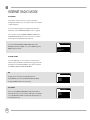
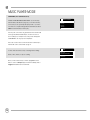
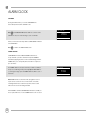
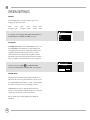
When in DAB MODE for the first time, SUPERCONNECT will automatically perform a full scan to see what stations are being broadcast in
Scan
Stations : 21
Scanning
your area, before storing them alphabetically in the radio’s memory.
It may be necessary to perform a manual scan from time to time, in
order to update your radio’s station list. This may be required for any
one of the following reasons:
1. Station availability can change from time to time as new stations
appear, or existing stations cease broadcasting.
2. If reception was poor during the initial automatic scan, for
example the radio’s antenna was not completely extended,
it may be that the station list is incomplete or even empty.
3. If you have poor reception on some of the stations (resulting in
broken or poor quality audio), you may wish to list only stations that
have a strong signal strength.
To start a manual scan, press the
the menu list.
button then select SCAN from
When the scan is complete, your radio will list all available stations.
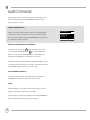
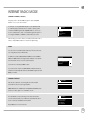
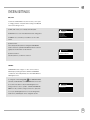
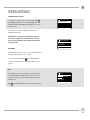
To remove stations that are listed but unavailable, press
then
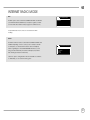
choose PRUNE INVALID. When asked whether you wish to “remove all
invalid stations”, select YES.
08
Prune Invalid
This removes all invalid
stations, continue?
YES
NO