1
Installed Equipment
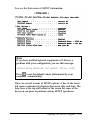
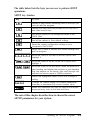
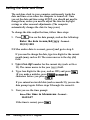
SETUP displays information about the following equipment
that it detects in your system under the Installed
equipment heading:
0 Number of diskette drives
Cl Video type
0 Math coprocessor (built-in).
You cannot change the settings for these parameters.
The Number of diskette drives installed can be 1 or 2.
You can set the type(s) of diskette drive(s) you have installed
under the Diskette Drives heading. See page 2-20 for more
information.
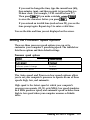
The video type can be one of the following:
0 EGA or VGA
0 40 Column Color
0 80 Column Color
0 Monochrome.
If you are using the built-in VGA port, or if you install an EGA
or VGA card, SETUP displays EGA or VGA the video type.
If you install a CGA card, SETUP displays either 40 Column
Color or 80 Column Color. SETUP displays Monochrome
if you install a monochrome display adapter card.
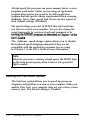
You see Yes at the Math coprocessor option if SETUP
detects a built-in math coprocesso r or No if it does not detect
one.
2-12 Running the SETUP Program