1
Setting Up the Multi PJ Camera System
This section explains how to set up the Multi PJ Camera System for operation.
Setting Up the PJ Camera
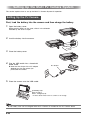
First, load the battery into the camera and then charge the battery
1.
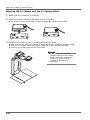
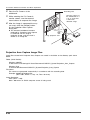
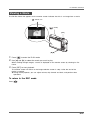
Open the battery cover.
While pressing lightly on the cover, slide it in the direction
indicated by the arrow to open.
2.
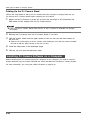
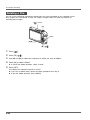
Load the battery into the camera.
3.
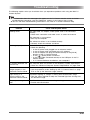
Close the battery cover.
4.
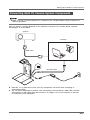
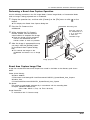
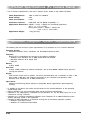
Plug the USB cradle into a household
power outlet.
z Note that the shape of the AC adaptor
depends on the area where you
purchased the camera.
5.
AC adaptor
Place the camera onto the USB cradle.
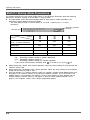
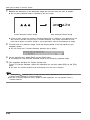
[CHARGE] lamp
Red: Charging
Green: Charged (Full)
• It takes about three hours to achieve a full charge.
z The battery also can be charged while the PJ Camera is installed on the PJ Camera Stand.
E-20