1
10 Steps to Getting Started
Step 2 - Install and Start Cash Register Express
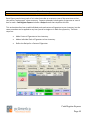
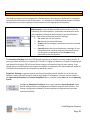
Below are instructions on installing Cash Register Express and starting it for the first time.
You must be logged onto your computer as an Administrator with full access rights in order to
properly install Cash Register Express.
If you have multiple stations within your store, it is very important that you install the server first! We
also recommend you read the Configure Multiple Stations section later in this manual.
If you have multiple stores communicating to a corporate office, it is recommended you sign up for a
pcAmerica training session to ensure you fully understand the process.
1.
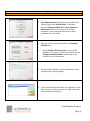
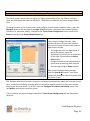
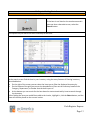
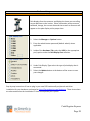
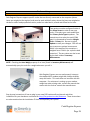
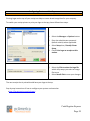
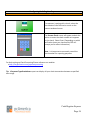
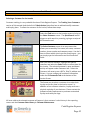
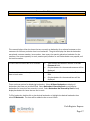
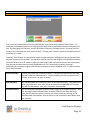
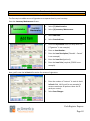
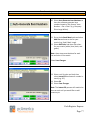
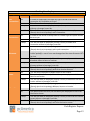
Insert the Cash Register Express CD into the CD-ROM
drive. Before installing CRE the installer will scan for
any prerequisites. Whatever is listed on this screen
MUST be installed prior to the CRE install. If nothing
on this screen is installed you will get prompted to
select ok to install everything.
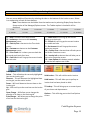
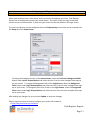
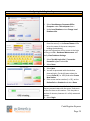
2.
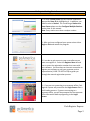
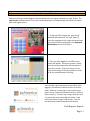
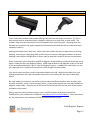
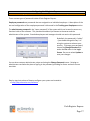
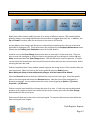
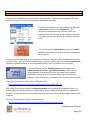
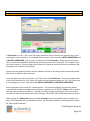
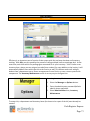
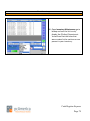
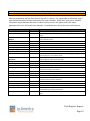
After all prerequisites have been installed the CRE
installer should automatically launch and bring you to
the next step.
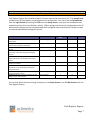
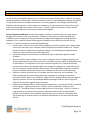
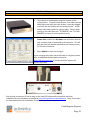
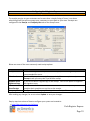
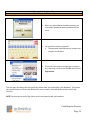
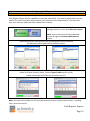
After the install has completed select Finish to exit the
wizard.
3.
4.
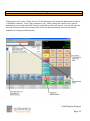
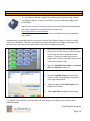
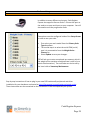
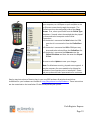
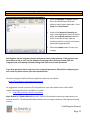
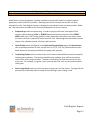
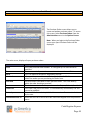
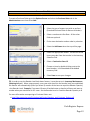
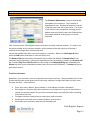
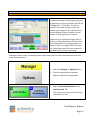
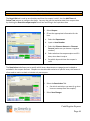
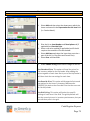
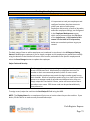
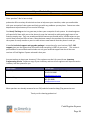
Select Next to begin the configuration process. You
will be asked a series of questions that will determine
how your system is installed.
Cash Register Express
Page 3