1
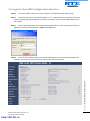
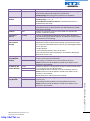
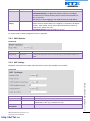
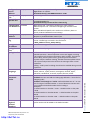
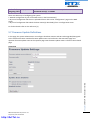
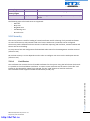
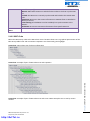
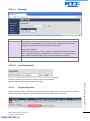
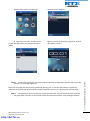
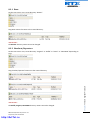
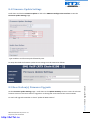
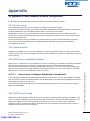
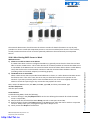
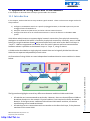
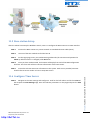
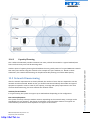
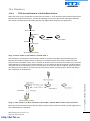
Start the registration procedure on the handset by following step “a” to “d” below.
a) Select main menu “Connectivity”
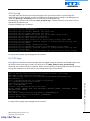
c) Type in the “AC code” and press “OK”
to start the registration. The default AC code is
“0000”.
b) Select menu ”Register”
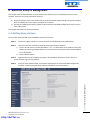
d) After a while the handset is registered,
and the idle display is shown.
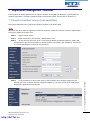
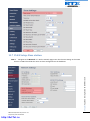
NOTE:
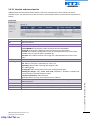
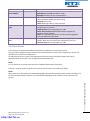
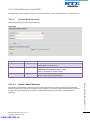
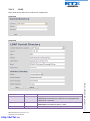
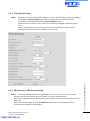
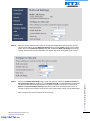
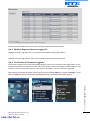
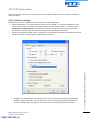
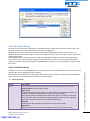
The unique handset IPEI is displayed on sheet “Extensions” when the handset is successfully registered. The
web page must be manually updated by pressing “F5” to see that the handset is registered; otherwise the
handset IPEI (International Portable Equipment Identity) isn’t displayed on the web page.
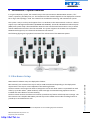
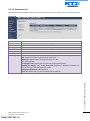
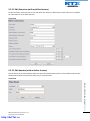
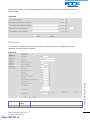
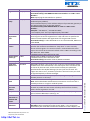
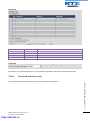
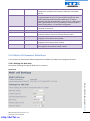
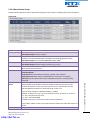
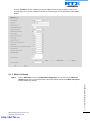
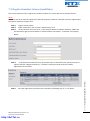
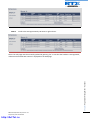
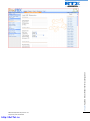
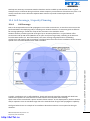
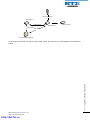
We illustrate how extensions page will be when you register several handsets.
SME VoIP System Guide, Version 1.9
Proprietary and Confidential
http://ArtTel.ru
Chapter: Registration Management - Handset
STEP 5
77