1
2003:09:06
2:05 PM
Page 4
En
2040 Manual-4L (512950-00)
INSTALLATION GUIDE
Computer System Requirements ......................................................................................29
Installation Requirements ..................................................................................................29
Identifying your Operating System ....................................................................................30
Using the Installer Splash Screen ......................................................................................30
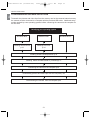
Flow Diagram for Software Installation ..............................................................................31
Installing Driver and DirectX9 for Windows 98 User ..........................................................32
Installing DirectX9 for Windows 2000 User ........................................................................34
Installing ArcSoft PhotoImpression ....................................................................................35
Installing Adobe Acrobat Reader 5 ....................................................................................37
CONNECTING THE CAMERA TO THE COMPUTER
Connecting Your Camera to the Computer ........................................................................39
Downloading Pictures and Video Clips onto your Computer ............................................39
Using ArcSoft PhotoImpression ..........................................................................................40
Unplugging your camera from the computer ......................................................................40
TV MODE
Connecting the Camera to the Television ..........................................................................41
Using the TV as a Live Viewfinder ....................................................................................41
Reviewing Pictures and Video Clips on your TV ................................................................42
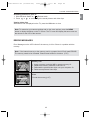
ERROR MESSAGE ..................................................................................................................42
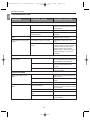
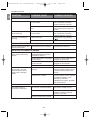
TROUBLE-SHOOTING ............................................................................................................43
GETTING HELP ........................................................................................................................46
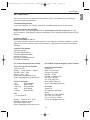
CAMERA SPECIFICATIONS ....................................................................................................47
SAFETY TIPS AND MAINTENANCE
Safety Tips ..........................................................................................................................48
Precautions for the Camera................................................................................................48
Precautions for Batteries ....................................................................................................49
Precautions for Memory Card ............................................................................................49
REGULATORY INFORMATION ................................................................................................50
4