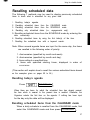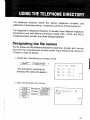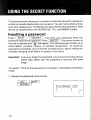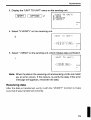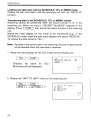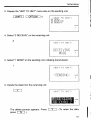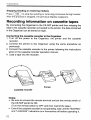
1
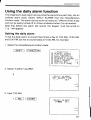
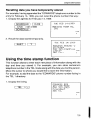
Using the schedule function
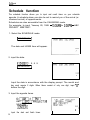
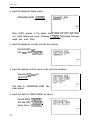
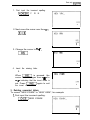
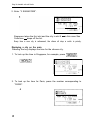
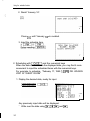
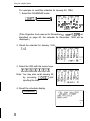
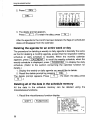
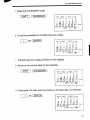
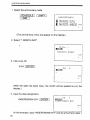
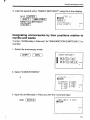
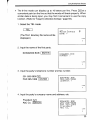
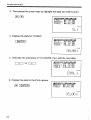
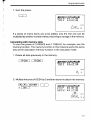
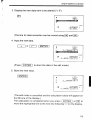
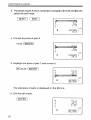
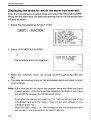
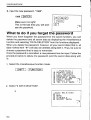
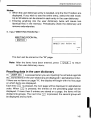
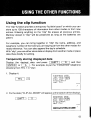
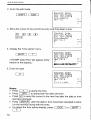
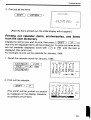
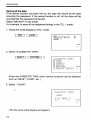
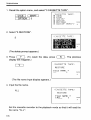
2. Clear the date display.
)I
MMi’DDi’it::i”i’Y.~~~~~
MONTH : _
IMY
ypg :: CAPS
r
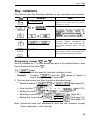
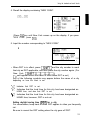
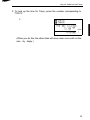
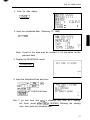
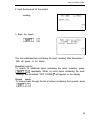
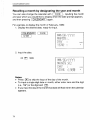
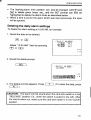
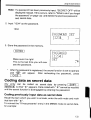
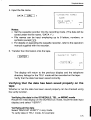
3. Input the scheduled date. (February 17, 1989)
Note: A part of the date may be omitted if it is the same as the
previous date.
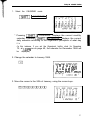
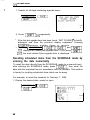
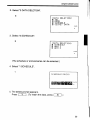
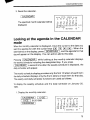
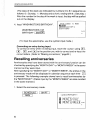
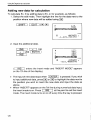
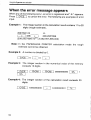
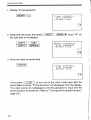
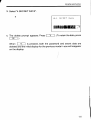
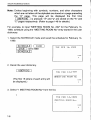
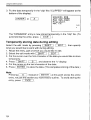
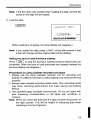
4. Display the SCHEDULE mode.
( SCHEDULE 1
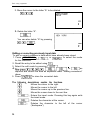
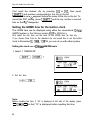
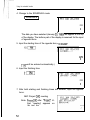
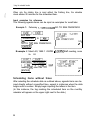
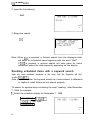
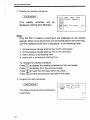
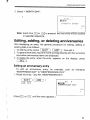
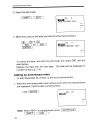
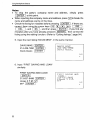
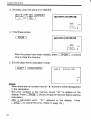
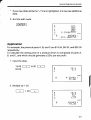
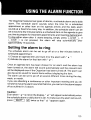
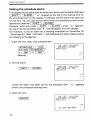
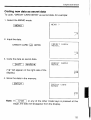
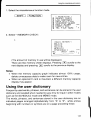
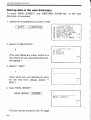
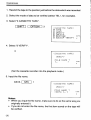
5. Input the scheduled time and item.
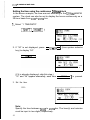
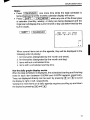
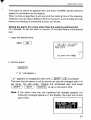
Note: If you don’t know what ttme a scheduled item, such as a meeting,
will finish, press either[rlor (ENTER) following the starting
time, then input the schedule item.
55