1
Basic entry programmes
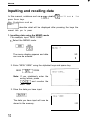
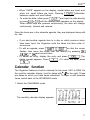
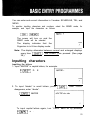
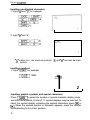
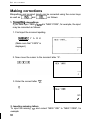
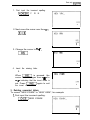
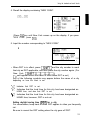
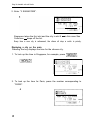
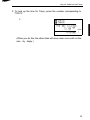
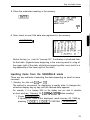
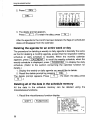
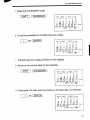
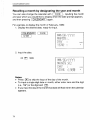
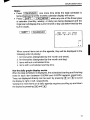
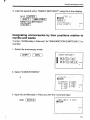
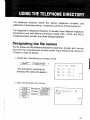
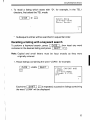
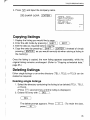
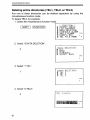
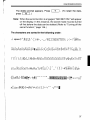
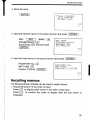
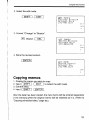
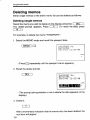
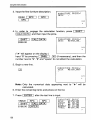
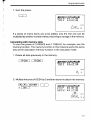
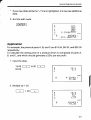
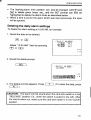
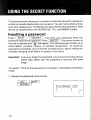
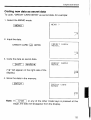
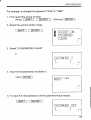
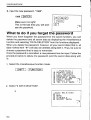
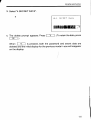
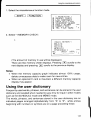
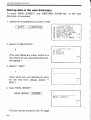
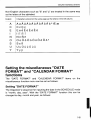
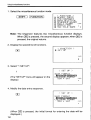
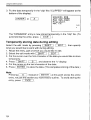
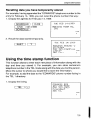
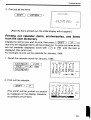
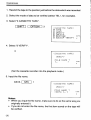
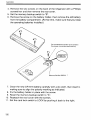
2. Move the cursor to the letter “A” to be deleted.
DDD
tjE1.J
‘,-‘~:~fiRl<
CAPS
c
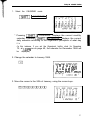
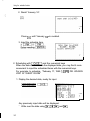
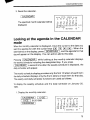
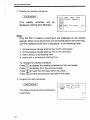
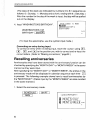
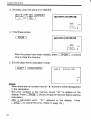
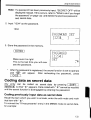
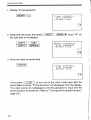
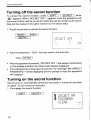
3. Delete the letter “A”.
IDELl
bjEl.1
You can also delete “A” by pressing
~~(---%--I.
‘f~:f?K
CAPS
E
r-
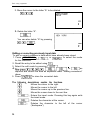
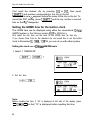
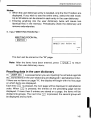
Editing or correcting previously input data
To edit or correct mistakes in data which have already been stored
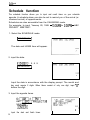
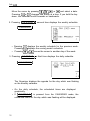
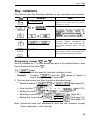
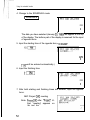
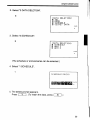
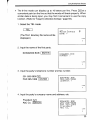
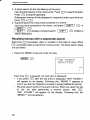
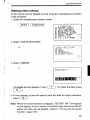
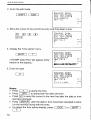
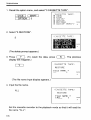
1. Press 1SCHEDULE 1, -1, or 1-1 to select the mode
for the correction.
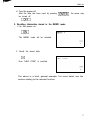
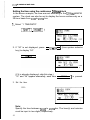
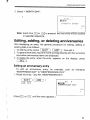
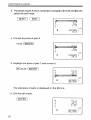
2. Recall the entry to be edited using FJ.
3. Select the edit mode by pressing 1-1
-1.
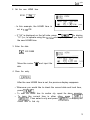
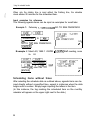
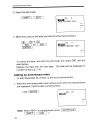
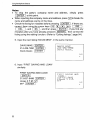
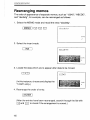
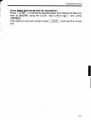
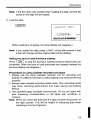
4. Nowpressm,r?n,l,I,lrl,
[INS), I,
or -1 as
required and correct the data as explained under “Making corrections”
above.
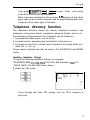
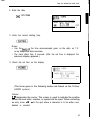
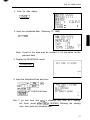
5. Press 1-1 to store the corrected data.
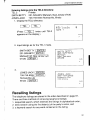
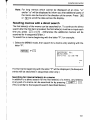
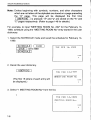
The following descriptions explain the functions.
Moves the cursor to the right.
Moves the cursor to the left.
Moves the cursor up to the previous line.
Moves the cursor down to the next line.
Enters the insert mode. Pressing this key again exits
the insert mode.
Deletes the character at the cursor.
Deletes the character to the left of the cursor
(“backspace”).
34