1
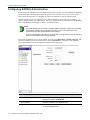
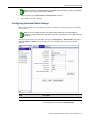
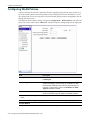
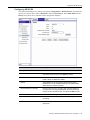
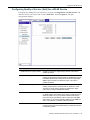
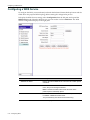
Configuring WLAN Services
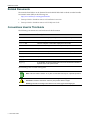
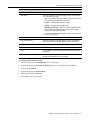
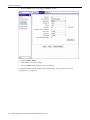
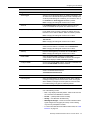
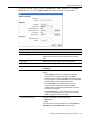
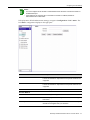
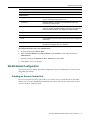
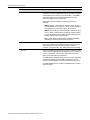
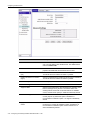
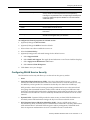
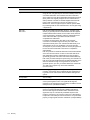
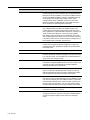
Field
Description
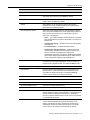
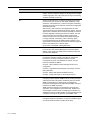
Authentication and Accounting
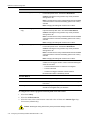
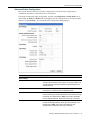
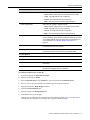
NAS Identifier
Enter the identifier for the Network Access Server (NAS). The
NAS identifier is a RADIUS attribute that identifies the server
responsible for passing information to designated RADIUS
servers and then acting on the response returned.
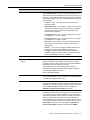
NAS IP Address
Enter the IP address of the Network Access Server.
Authentication
Primary RADIUS Server
Select the primary RADIUS server.
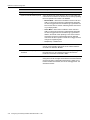
Secondary RADIUS Server
Select the secondary RADIUS server.
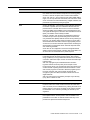
Include VSA Attributes
AP Name
Select to include the name of the AP in Vendor Specified
Attributes (VSA). VSAs provide information on the identity of the
specific AP that is handling the wireless device, enabling the
provision of location-based services. The AP name is not included
in VSA attributes by default.
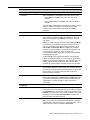
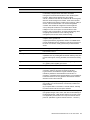
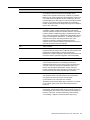
Service Name
Select to include the WLAN service name in VSA attributes. VSA
provide information on the identity of the specific AP that is
handling the wireless device, enabling the provision of locationbased services. The WLAN service name is not included in VSA
attributes by default.
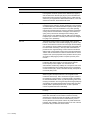
SSID
Select to include the SSID of the AP in VSA attributes. VSA
provide information on the identity of the specific AP that is
handling the wireless device, enabling the provision of locationbased services. The SSID of the AP is not included in VSA
attributes by default.
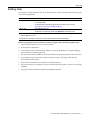
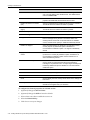
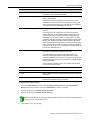
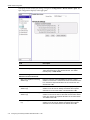
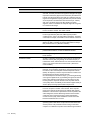
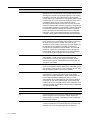
Function Buttons
Save
Click to save your changes.
Delete
Click to delete the WLAN service.
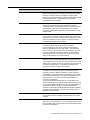
Undo
Click to display the most recently saved values for the settings on
this screen.
Factory Defaults
Click to display the factory defaults on this screen.The factory
defaults are not applied until you click Save.
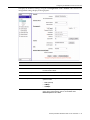
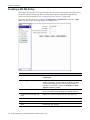
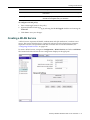
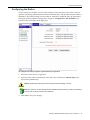
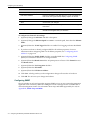
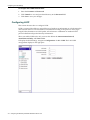
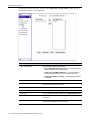
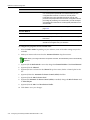
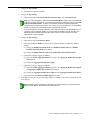
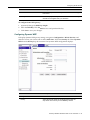
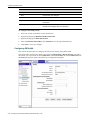
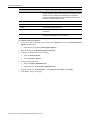
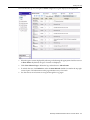
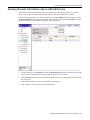
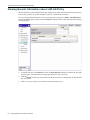
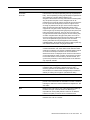
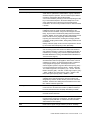
To configure Dynamic WEP privacy:
1.
2.
4-34
Configure Authentication and Accounting:
•
Enter the NAS Identifier.
•
Enter the NAS IP Address.
Configure Authentication:
•
Select the Primary RADIUS Server.
•
(Optional) Select the Secondary RADIUS Server.
3.
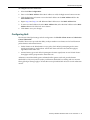
(Optional) Select the VSA Attributes — AP Name, Service Name, and/or SSID.
4.
Click Save to save your changes. Configuring the Enterasys Wireless Standalone 802.11n AP