1
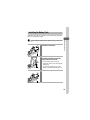
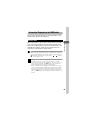
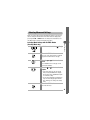
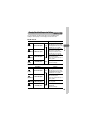
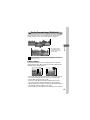
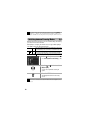
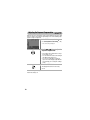
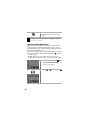
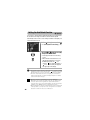
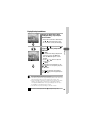
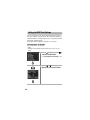
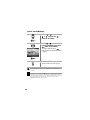
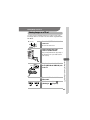
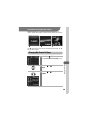
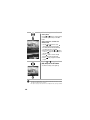
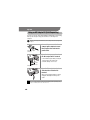
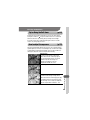
Resetting Settings to Their Default Values
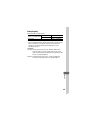
You can reset the menu and button settings to the default settings in one
operation.
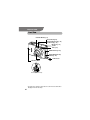
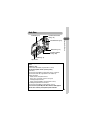
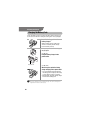
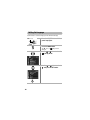
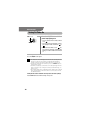
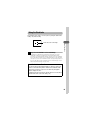
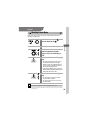
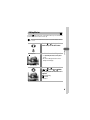
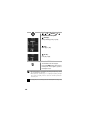
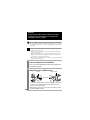
Power Lamp
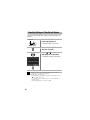
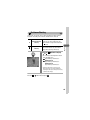
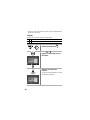
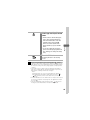
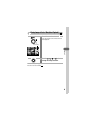
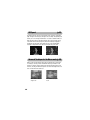
1
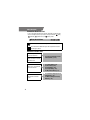
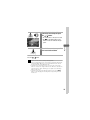
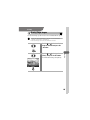
Press the ON/ OFF button until the
power lamp lights green.
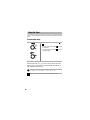
Set the mode switch to any position.
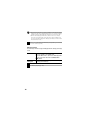
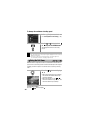
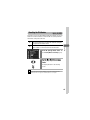
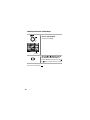
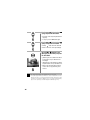
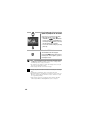
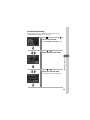
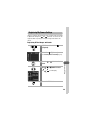
2
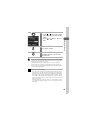
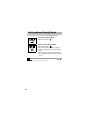
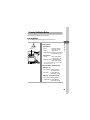
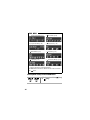
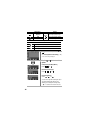
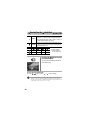
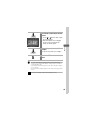
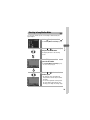
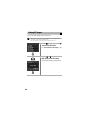
Press and hold the MENU button for
more than 5 seconds.
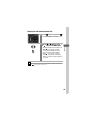
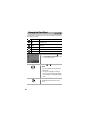
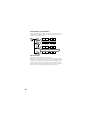
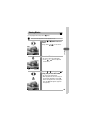
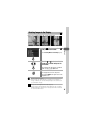
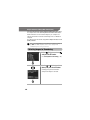
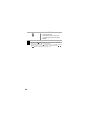
3
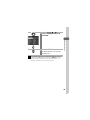
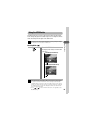
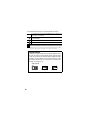
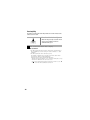
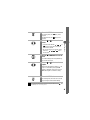
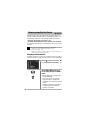
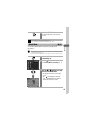
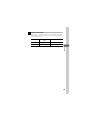
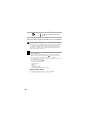
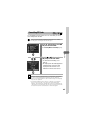
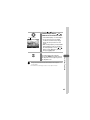
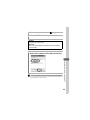
Use the or button to select
[OK] and press the SET button.
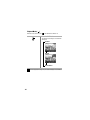
To exit without resetting, select [Cancel].
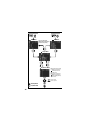
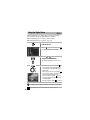
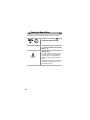
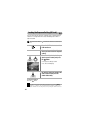
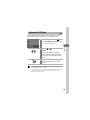
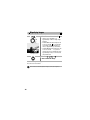
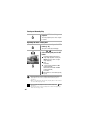
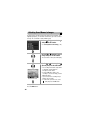
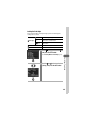
• Settings cannot be reset when the camera is connected to a
computer or to a separately sold printer.
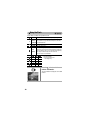
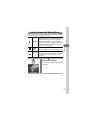
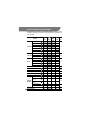
• The following cannot be reset.
- The [Date/Time], [Language] and [Video System] options in the
(Set up) menu (p. 50)
- White balance data recorded with the custom white balance
function (p. 82).
- Newly added My Camera settings (p. 131)
52