1
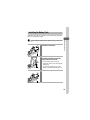
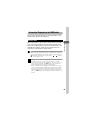
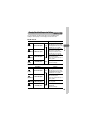
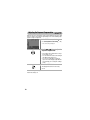
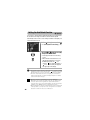
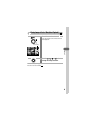
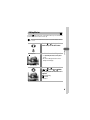
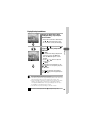
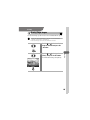
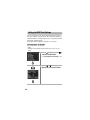
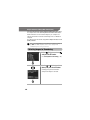
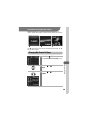
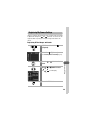
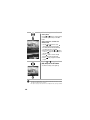
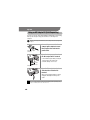
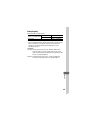
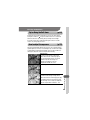
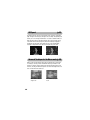
Switching between Light Metering Modes
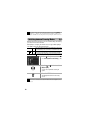
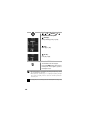
You can switch between metering modes to shoot.
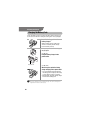
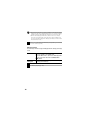
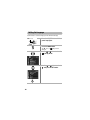
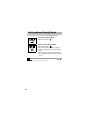
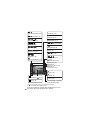
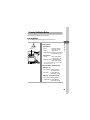
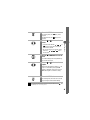
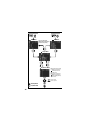
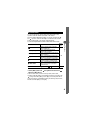
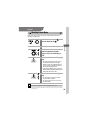
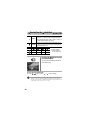
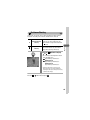
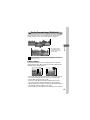
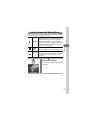
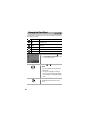
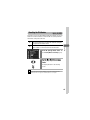
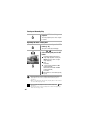
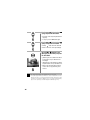
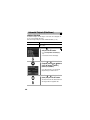
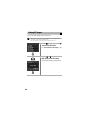
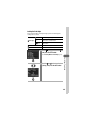
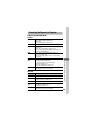
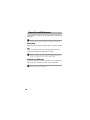
CenterWeighted
Average
Averages the light metered from the entire frame, but
gives greater weight to the subject matter at the center.
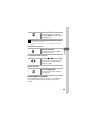
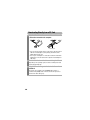
Spot
Meters the area within the spot AE point at the center
of the LCD monitor. Use this setting when you want
to set the exposure on the subject in the center of
the monitor.
1
Shooting
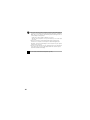
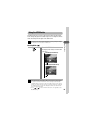
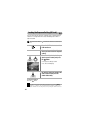
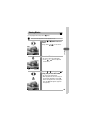
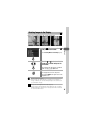
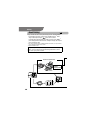
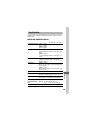
Evaluative
Appropriate for standard shooting conditions,
including backlit scenes. The camera divides images
into several zones for light metering. It evaluates
complex lighting conditions, such as the position of
the subject, the brightness, the direct light, and the
backlighting, and adjusts the settings to the correct
exposure for the main subject.
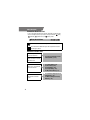
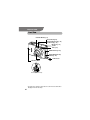
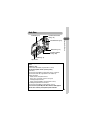
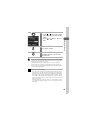
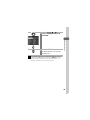
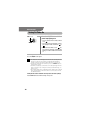
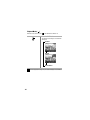
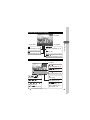
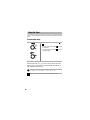
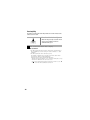
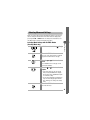
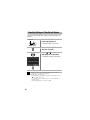
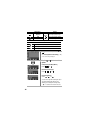
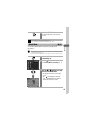
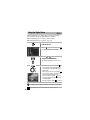
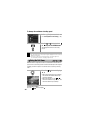
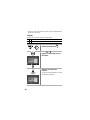
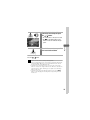
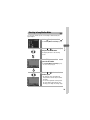
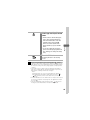
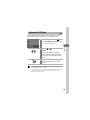
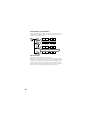
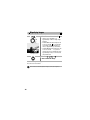
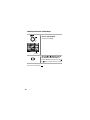
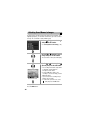
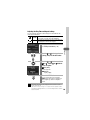
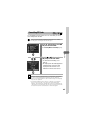
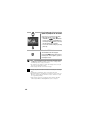
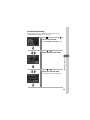
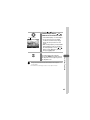
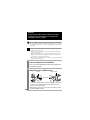
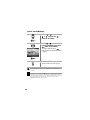
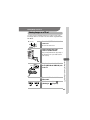
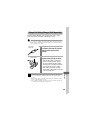
Press the
button to switch
between metering modes.
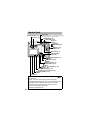
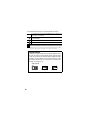
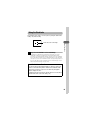
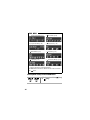
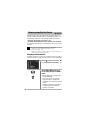
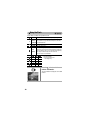
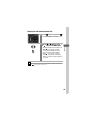
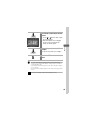
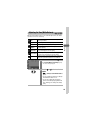
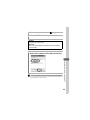
The selected metering mode appears on the
LCD monitor.
77