1
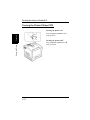
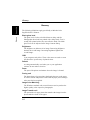
Problems During Data Transmission and the Print Cycle
Problems During Data Transmission and the
Print Cycle
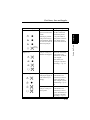
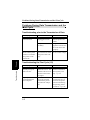
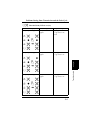
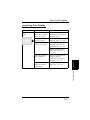
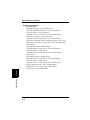
Troubleshooting prior to the Transmission of Data
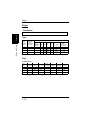
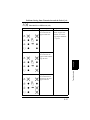
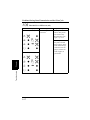
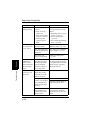
Symptom
The printer power is
not turned ON.
Cause
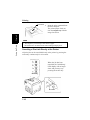
The power cord is
unplugged or loose.
The power outlet may
be faulty.
Troubleshooting
Chapter 5
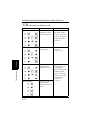
The indicator lights is
blank and the printer
makes no sound but
the printer can be
turned ON.
The voltage of the
printer does not match
the power outlet voltage.
Action
Plug the power cord
into the printer and
outlet.
Plug another electrical
appliance into the outlet to test if it works
properly.
Check the power outlet for correct voltage.
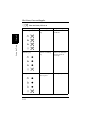
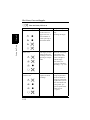
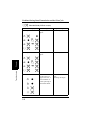
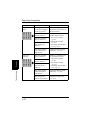
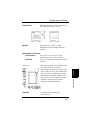
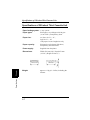
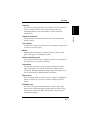
Troubleshooting the Print Cycle (1/2)
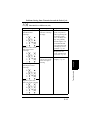
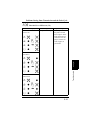
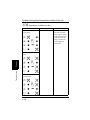
Symptom
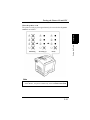
The indicator lights up
and the print cycle
does not start.
A print job cannot be
cancelled from the
host computer.
5-3
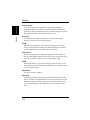
Cause
The printer has
detected an error. The
details of the error are
shown on the indicator lights.
A communication
error has occurred
between the printer
and the host computer.
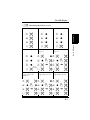
Action
See the “Messages”
section to determine
the necessary remedy. +p. 5-5
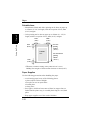
Press the Action key
continuously for 10
seconds. The printer
will start initializing
and printing will be
cancelled. +p. 2-45