1
Making a PCI Express 1.1 Hardware CR Measurement
Setup Directions
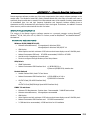
This tool uses the Multi-Rate Clock Recovery option. The option provides a compliant clock with
characteristics as required in the PCI Express Specification.
•
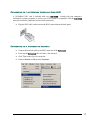
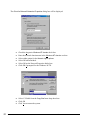
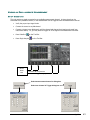
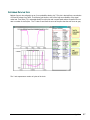
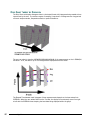
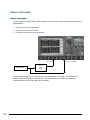
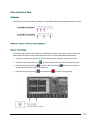
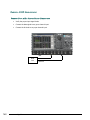
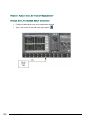
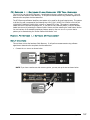
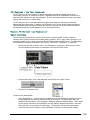
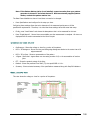
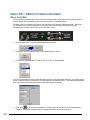
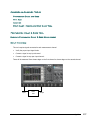
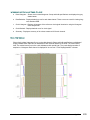
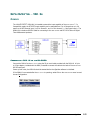
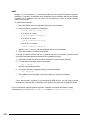
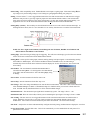
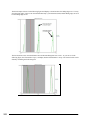
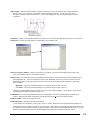
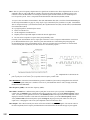
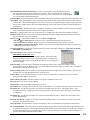
Connect the SIA-3000 as shown below.
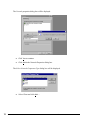
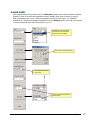
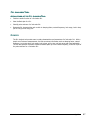
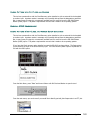
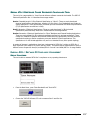
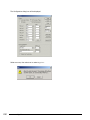
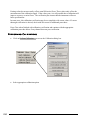
NOTE: When the SMA jumpers are installed, it is necessary to Check the "Voltage Correction" in the
EDIT|CR Config Menu (See figure below).
•
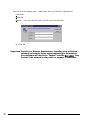
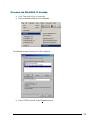
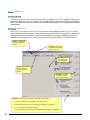
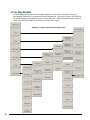
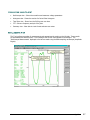
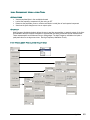
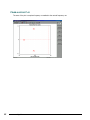
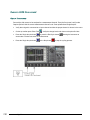
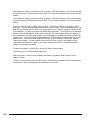
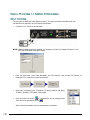
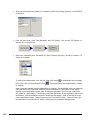
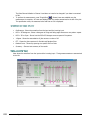
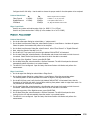
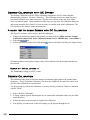
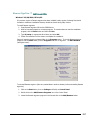
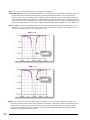
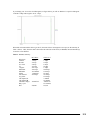
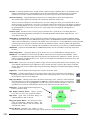
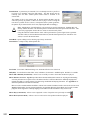
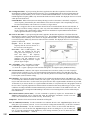
From the Main Menu, press "Data Standards" and "PCI Express", then choose "PCI Express 1.1
Hardware CR" to open the tool (See figure below).
•
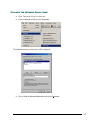
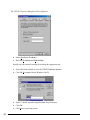
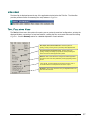
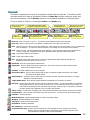
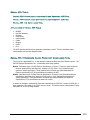
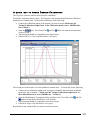
Select your compliance point: Transmitter (TX Spec), Receiver (RX Spec),
TX add-in, RX add-in, TX System or RX system.
•
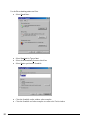
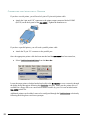
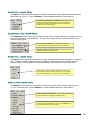
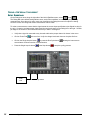
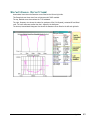
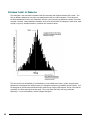
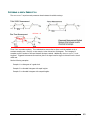
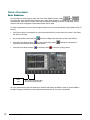
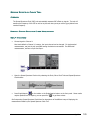
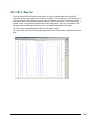
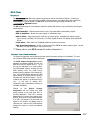
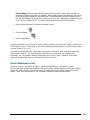
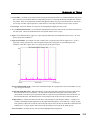
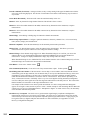
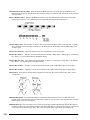
Click the Pulse Find button
to automatically set the voltage levels.
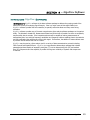
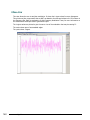
Then click the Single/Acquire button
.
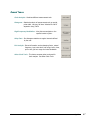
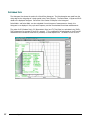
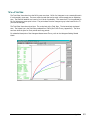
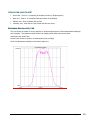
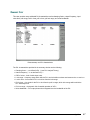
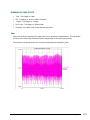
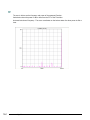
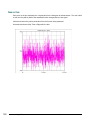
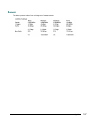
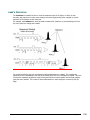
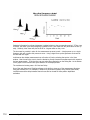
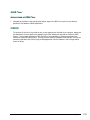
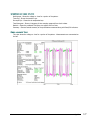
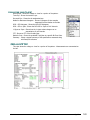
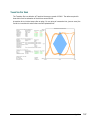
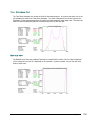
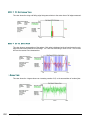
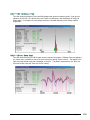
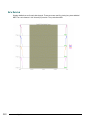
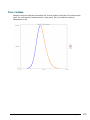
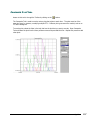
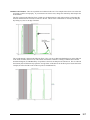
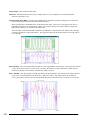
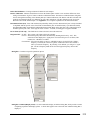
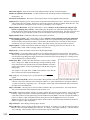
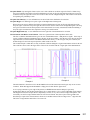
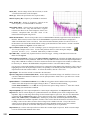
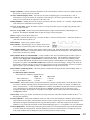
Several views are available once the measurement is complete.
176
Section 4 - GigaView
©WAVECREST Corporation 2005