1
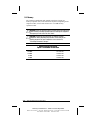
5.17 Fan
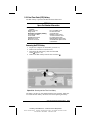
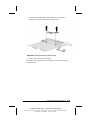
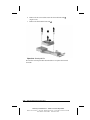
IMPORTANT: The fan must be replaced only by central repair depot
personnel.
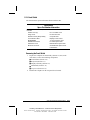
Fan
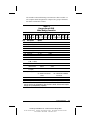
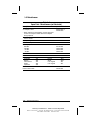
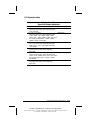
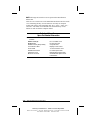
Spare Part Number Information
Fan
159535-001
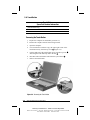
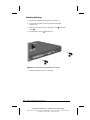
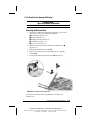
Removing the Fan
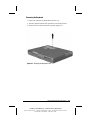
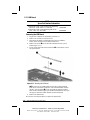
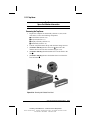
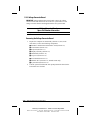
1. Prepare the computer for disassembly (Section 5.3) and, in the
order below, remove the following components:
■ Modem or modem/Network Interface Card (Section 5.5)
■ Touch button (Section 5.6)
■ Keyboard (Section 5.7)
■ Display assembly (Section 5.9)
■ LED board (Section 5.11)
■ Top cover (Section 5.12)
■ Front shield (Section 5.13)
■ Diskette drive (Section 5.14, Armada V300 only)
■ System board (Section 5.15)
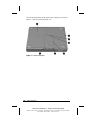
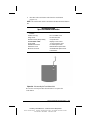
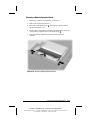
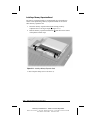
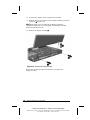
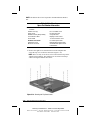
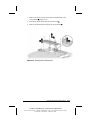
2. Turn the system board bottom side up and position the board so the
I/O bracket faces forward.
5-36
Removal and Replacement Procedures
COMPAQ CONFIDENTIAL - NEED TO KNOW REQUIRED
Writer: David Calvert Saved by: The Integrity Group Saved date: 09/12/00 3:47 PM
Part Number: 128679-005 File name: Ch05